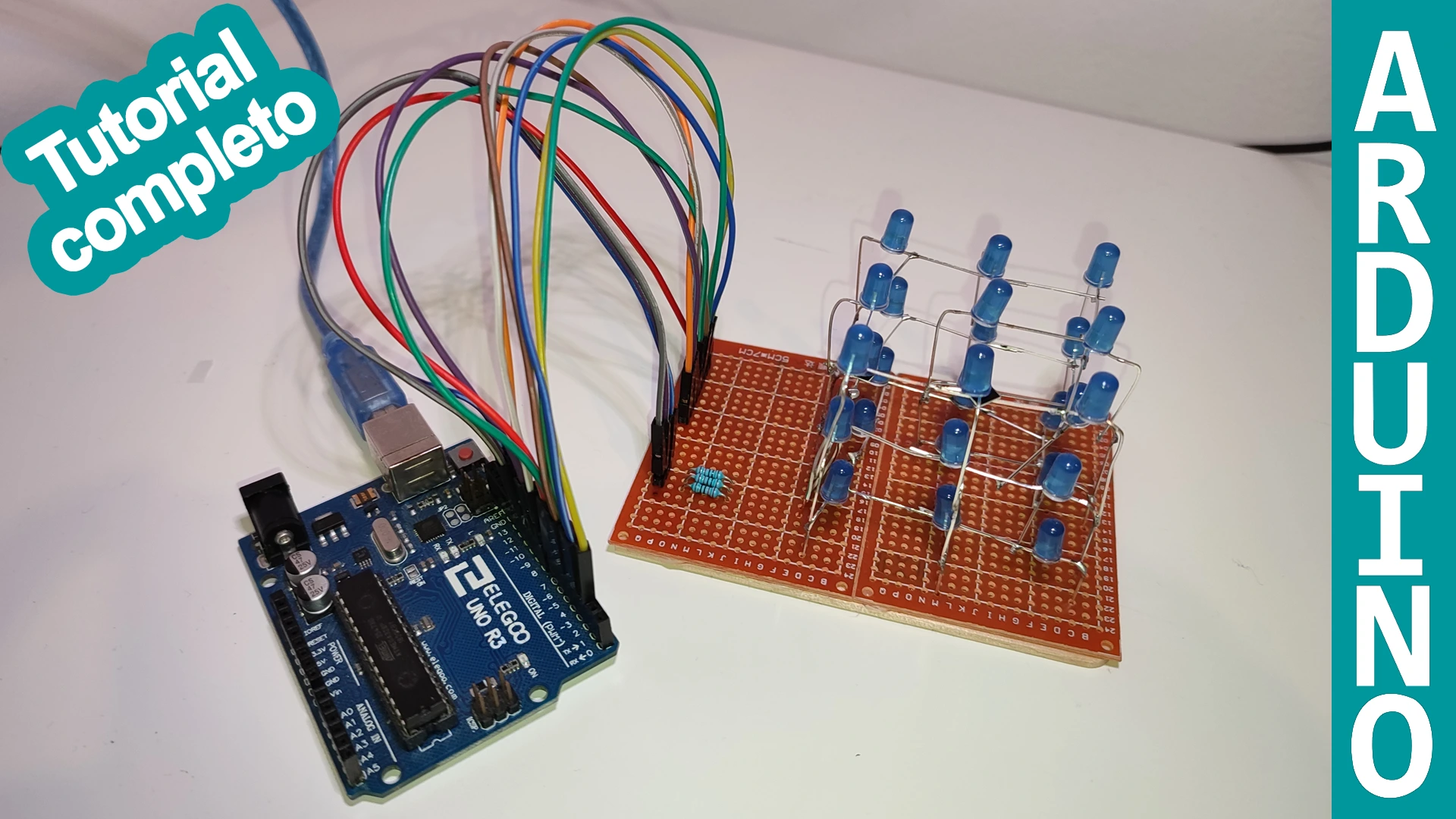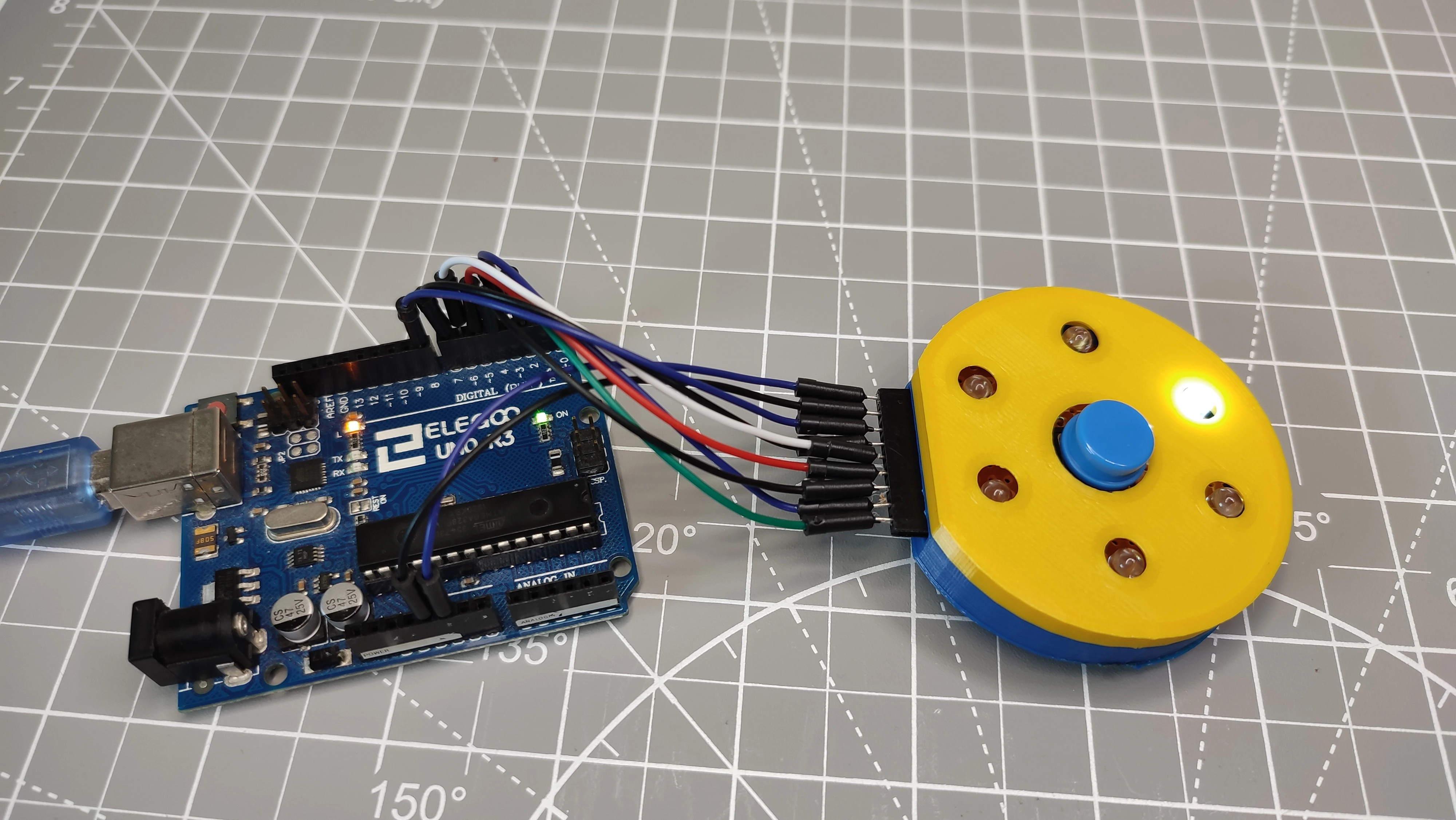
NEW ARDUINO PROJECT! This is an LED roulette built completely from scratch with very simple materials that are easy to find.
In my case, I soldered everything onto a prototyping board, but if you do not want to complicate things that much, you can place the electronic components directly on a breadboard and route the connections from there to the Arduino. I think it is a great project to take to school or to learn how to program with Arduino, because the possible features are almost endless.
Table of contents
Materials used in the project
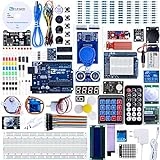
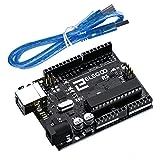
The materials needed for this project are very easy to get. I would even say many of them are probably already at home, but just in case, here is a detailed list with the exact components used.
I also used a 3D printer for this build. If you do not have one and are thinking about buying one, here is a link to the one I use. It works very well and I am very happy with the results.
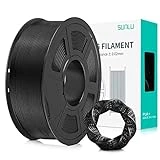
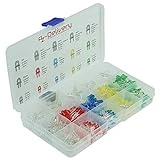
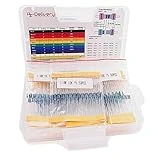
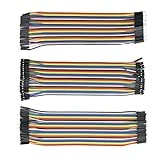
As an Amazon Associate, RobotUNO earns from qualifying purchases.
If you use a resistor kit, you can tell each one apart by its colors with the resistor calculator.
WE DEVELOP YOUR IDEA
Need help with a project?

- Prototyping and MVPs
- Arduino and ESP32
- PCB design
- 3D part design
- Bluetooth connectivity
- Feasibility study
- Cost optimization
- Technical consulting
- Internet of Things
- Patent supbyt
Step-by-step LED roulette project video
To make the assembly easier and help you follow all the steps, here is a video that explains how to build the project step by step, including tips and mistakes that I made myself.
And while you are there, if you liked it, give it a like and subscribe.
LED roulette wiring diagram
In all the projects I upload to this website and to the YouTube channel, one of the most common mistakes is wiring something incorrectly. For that reason, here is a fully detailed wiring diagram so you do not have any trouble making the connections and the project works properly the first time.
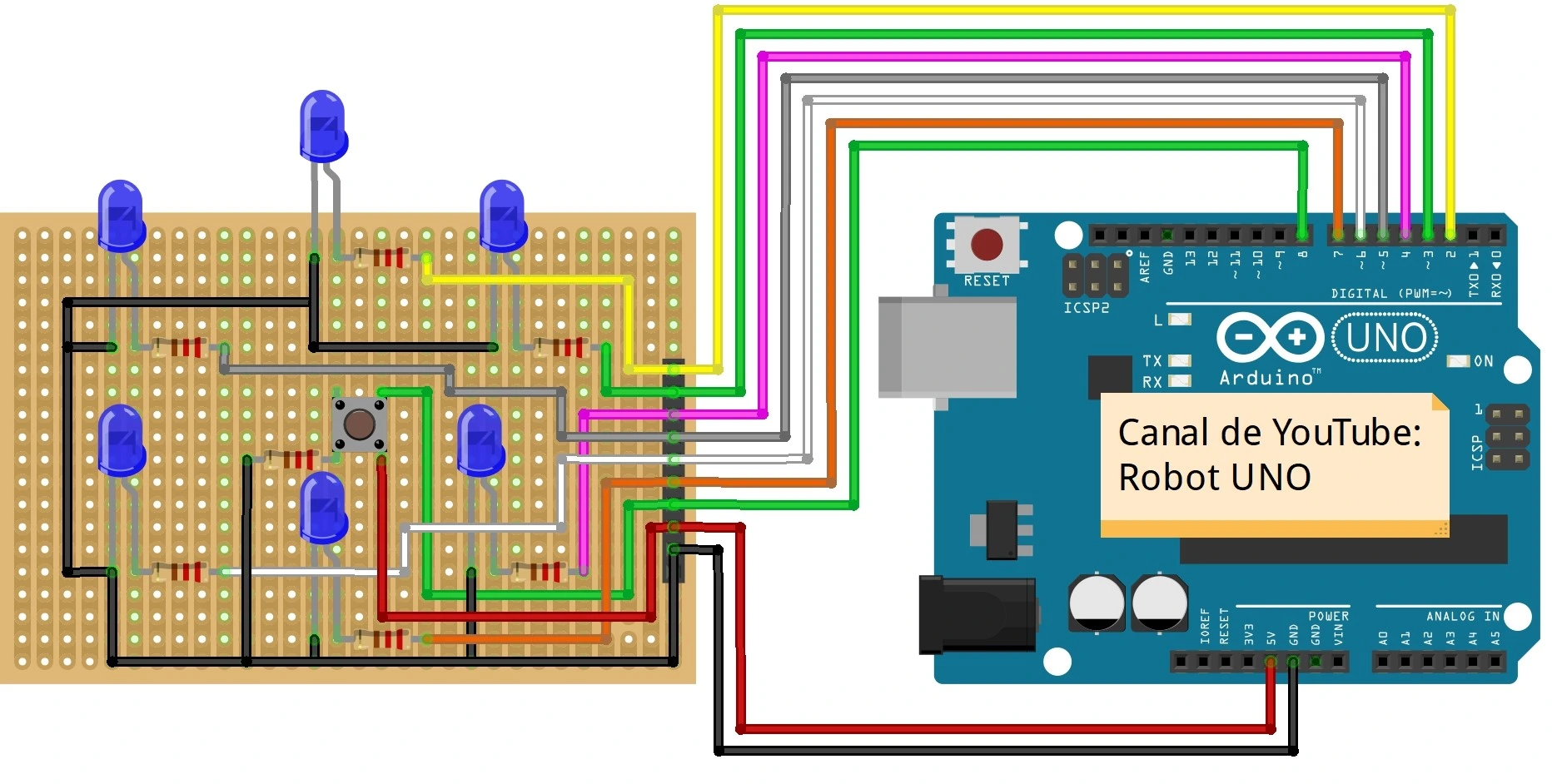
3D files to print the roulette
If you like the design of the 3D parts and want to build the project exactly like mine, here are the `.stl` files you need to print the parts for this Arduino project.
MEGA LINK TO DOWNLOAD THE 3D FILES
Arduino code for the random LED roulette
Another very important part of this project is the code. Here it is so you can simply copy and paste it.
If you have questions about how to use or install the Arduino development environment, here is a link to how to download the Arduino IDE
I hope you liked this project. I honestly enjoyed building it very much, and I loved being able to include parts designed completely from scratch. Leave a comment and let me know what you think.
//Canal de YouTube -> RobotUNO
//Proyecto -> Ruleta led

const int led1 = 2; //Declararion de los leds y los pines de Arduino
const int led2 = 3;
const int led3 = 4;
const int led4 = 7;
const int led5 = 6;
const int led6 = 5;

const int button = 8;

int leds[] = {led1, led2, led3, led4, led5, led6};

void setup() {
  pinMode(led1, OUTPUT); //Se declaran los pines de los leds como salidas
  pinMode(led2, OUTPUT);
  pinMode(led3, OUTPUT);
  pinMode(led4, OUTPUT);
  pinMode(led5, OUTPUT);
  pinMode(led6, OUTPUT);
  pinMode(button, INPUT); //Se declara el pin del boton como entrada

  digitalWrite(led1,LOW); //Se apagan todos los leds
  digitalWrite(led2,LOW);
  digitalWrite(led3,LOW);
  digitalWrite(led4,LOW);
  digitalWrite(led5,LOW);
  digitalWrite(led6,LOW);

  Serial.begin(9600);
  Serial.println("Empieza el juego! Pulsa el boton para jugar!");
}


void loop(){
  if (digitalRead(button)==HIGH){ //Se detecta cuando se ha pultado el boton
    int ledWin = random(5); //Se genera un numero aleatorio entre 0 y 5
    girarRuleta(ledWin);
    digitalWrite(leds[ledWin],HIGH); //Se enciende el led ganador
    delay(5000);
    digitalWrite(leds[ledWin],LOW); //Se apaga el led ganador
  }

  delay(10);
}


void girarRuleta(int led){
  Serial.println("Y el ganador es...");

  for(int j=0;j<10;j++){ //Bucle encargado de simular que la ruleta esta girando cuando se pulsa el boton
    for(int i=0;i<=6;i++){
      digitalWrite(led1,LOW);
      digitalWrite(led2,LOW);
      digitalWrite(led3,LOW);
      digitalWrite(led4,LOW);
      digitalWrite(led5,LOW);
      digitalWrite(led6,LOW);
      digitalWrite(leds[i],HIGH);

      delay(120-j*10); //Velocidad de giro de la ruleta
    }
  }

  Serial.print("El jugador numero ");
  Serial.println(led+1);
}