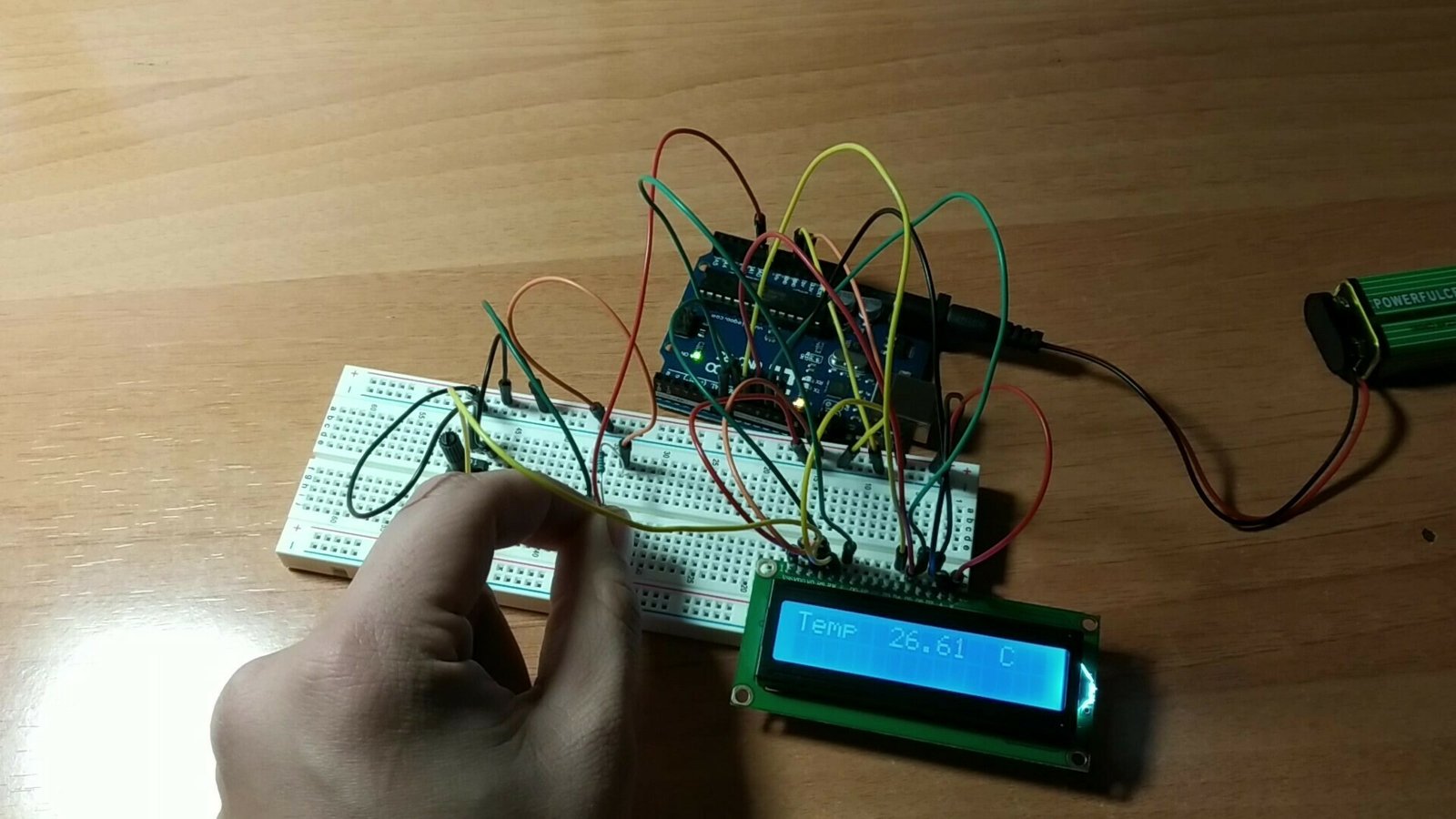
Welcome to a new Arduino project. In this tutorial, you will learn how to build a barrier that opens when the correct password is entered with Arduino. We will also cover the materials used, the wiring diagram, and the code.
Table of contents
Materials used in this project
Below you can find the materials used to build the Arduino password barrier together with a brief description of each one. If you want to build it yourself, you can click the images to go to a website where you can buy the materials.
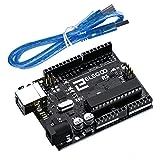
Arduino Uno board: it is the brain of the project and controls every part of it through the code you will find below.
Numeric keypad: a module capable of detecting which key is being pressed by energising one of the button nodes.
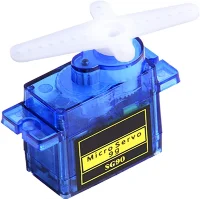
Servo motors: 5V motors with a gearbox that allow precise position control and a high amount of torque for their size.
Protoboard: A board with interconnected holes (pins) that we use to make all the project connections.
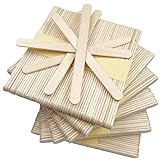
Craft sticks: We will use these sticks to build the barrier.
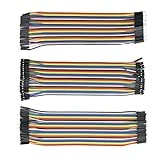
Jumper wires: these wires have male or female pin connectors that let us connect the different elements mentioned above.
Components needed for this project

As an Amazon Associate, RobotUNO earns from qualifying purchases.
WE DEVELOP YOUR IDEA
Need help with a project?

- Prototyping and MVPs
- Arduino and ESP32
- PCB design
- 3D part design
- Bluetooth connectivity
- Feasibility study
- Cost optimization
- Technical consulting
- Internet of Things
- Patent supbyt
Project explanation video
If you want a much more detailed walkthrough of how to build this project from start to finish, including a code explanation, the video below covers everything in a more visual and easier-to-follow way. And remember, if you enjoy this kind of content, do not forget to subscribe.
Arduino wiring diagram for the password barrier
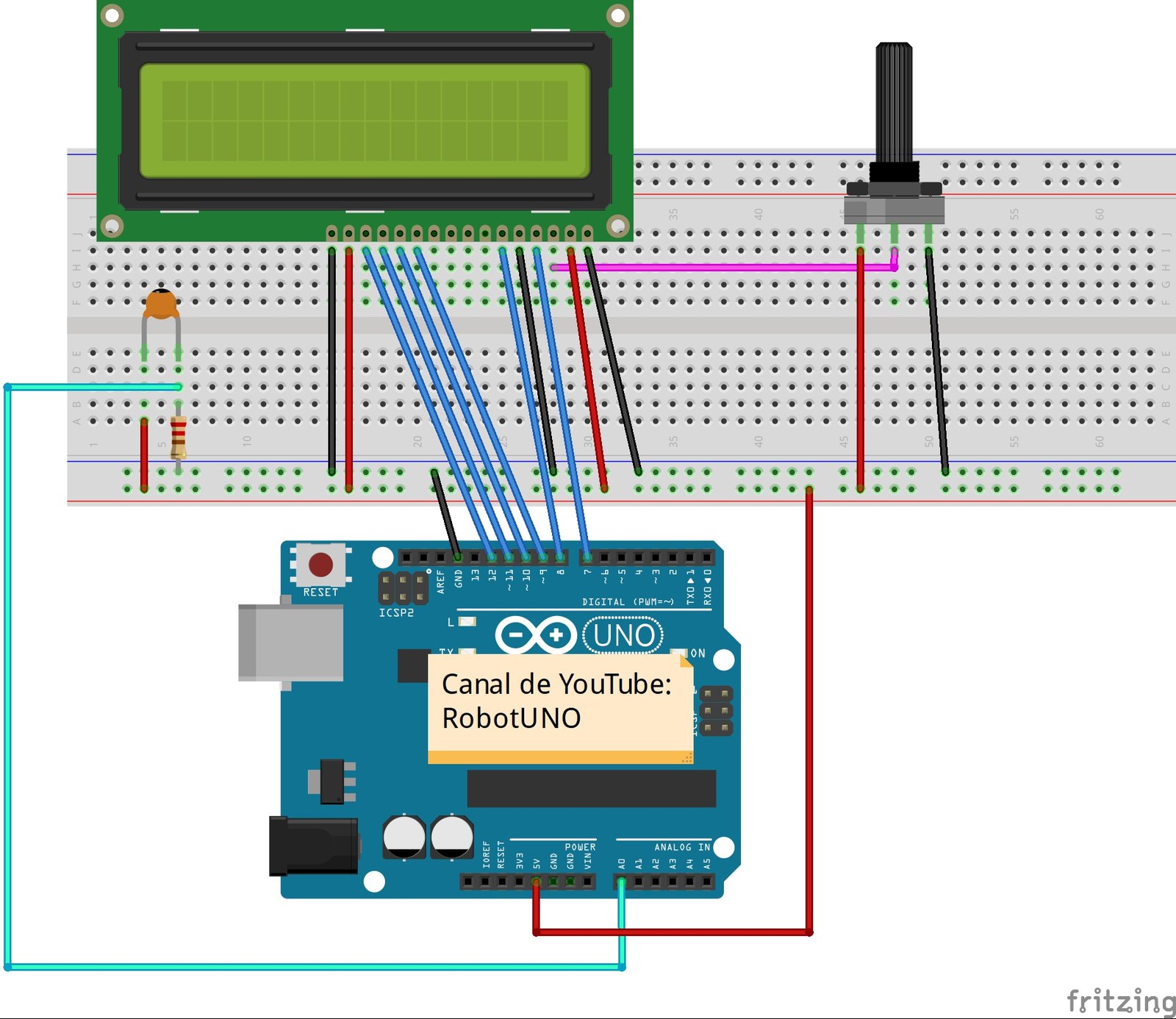
One of the most important parts of assembling the barrier and the numeric keypad is connecting the different elements correctly. To avoid assembly mistakes or incorrect connections, here is the wiring diagram used in this project. With this wiring, you can use the code at the end of the post without making any modifications.
Arduino code for the password barrier
Below you can find the code developed specifically for this project. The pins used in the code are the same ones shown in the wiring diagram above.
If you want a more detailed explanation of the different parts of the code and how the project works, I recommend watching the video linked above.
If you have questions about how to use or install the Arduino development environment, here is a link to how to download the Arduino IDE
//Robot UNO
//Proyecto -> Barrera con contraseña

#include <Servo.h>
#include <Keypad.h>

char contrasena[]="1234"; //NUMERO DE LA CONTRASEÑA
char codigo[4];
int cont=0;
const byte ROWS = 4;
const byte COLS = 4;
char hexaKeys[ROWS][COLS] = {
 {'1','2','3','A'},
 {'4','5','6','B'},
 {'7','8','9','C'},
 {'*','0','#','D'}
};
byte rowPins[ROWS] = {9, 8, 7, 6};
byte colPins[COLS] = {5, 4, 3, 2};
Keypad customKeypad = Keypad(makeKeymap(hexaKeys), rowPins, colPins, ROWS, COLS);
Servo servomotor;
int valor;
void setup(){
 servomotor.attach(11,1000,2000);
 Serial.begin(9600);
}
void loop(){
 char customKey = customKeypad.getKey();
 servomotor.write(0);
 if (customKey != NO_KEY){
 codigo[cont]=customKey;
 Serial.print(codigo[cont]);
 cont++;
 if(cont==4){
 if(codigo[0]==contrasena[0]&&codigo[1]==contrasena[1]&&codigo[2]==contrasena[2]&&codigo[3]==contrasena[3]){
 digitalWrite(13,!digitalRead(13));
 Serial.println("   Contraseña correcta");
 servomotor.write(180);
 delay(5000); //TIEMPO QUE SE MANTIENE SUBIDA LA BARRERA (en ms)
 servomotor.write(0);
 }
 else if(codigo[0]!=contrasena[0]||codigo[1]!=contrasena[1]||codigo[2]!=contrasena[2]||codigo[3]!=contrasena[3]){
 Serial.println("   Contraseña incorrecta");
 }
 cont=0;
    }
  }
}