13 Easy Arduino Projects for Beginners

If you want to get started with Arduino, here are 13 easy beginner-friendly projects. Each one includes a clear explanation and direct access to the full build.

This collection includes ideas with LEDs, displays, sensors, basic automation and small interactive systems, arranged progressively so you do not have to start with overly complex assemblies.

Start with the one you like most and move forward step by step.

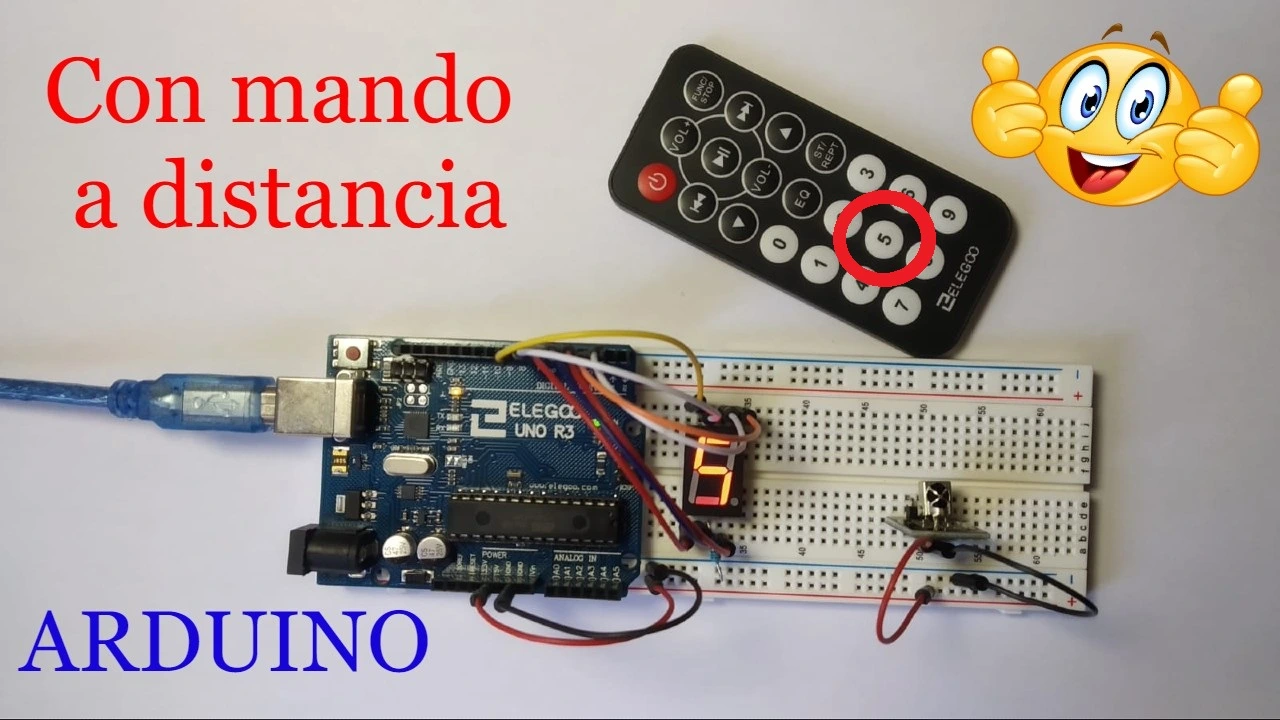
We start the list with a project that hides far more than it first seems. It uses a 7-segment display to show the number you press on the remote control. This works by capturing the signal sent by the remote through an IR sensor, which reads the sequence of 1s and 0s and tells the system exactly which button was pressed.

For this Arduino project, only the numeric buttons from 0 to 9 on the remote control are used. As for the 7-segment display, the decimal point (DP), which usually appears at the lower right, is not used in this build.

This project can be especially useful for people who are starting with Arduino because it helps explain truth tables very clearly. Those tables are what tell the 7-segment display which LED must turn on and which must stay off for each number.

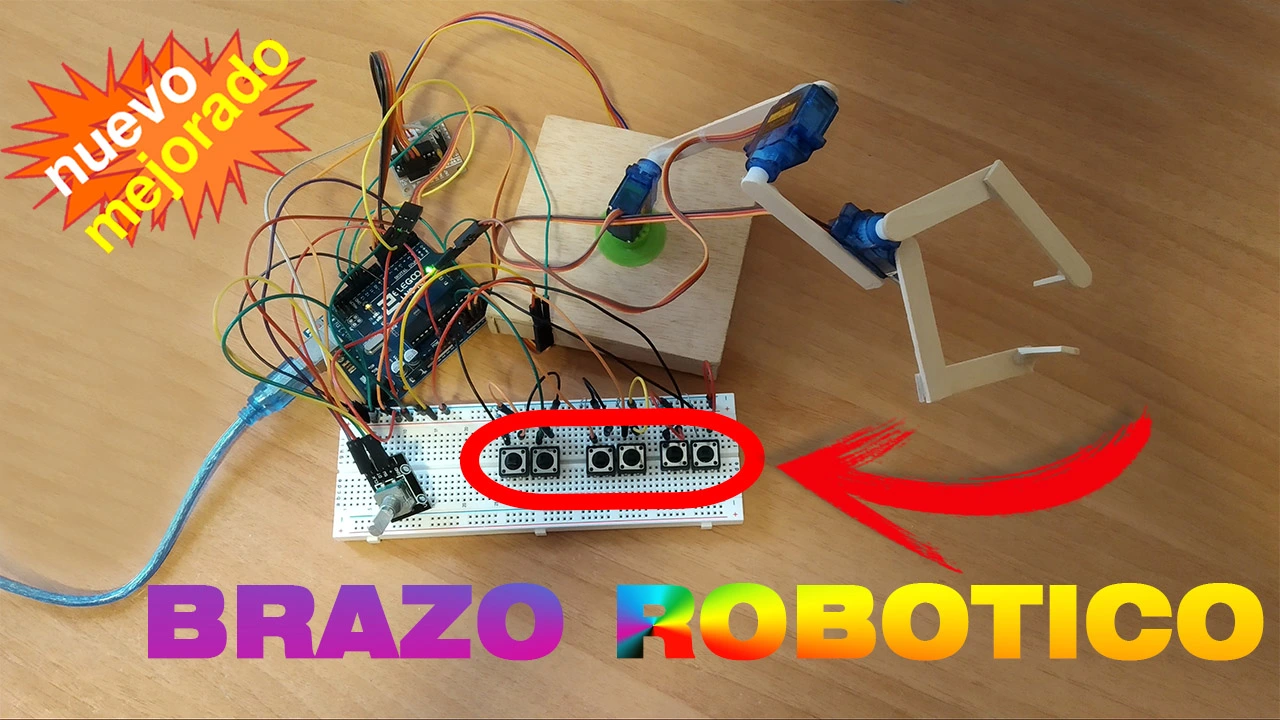
Project number 2 on this list is a 3-degree-of-freedom robotic arm with a gripper as its end effector.

This Arduino project is ideal for anyone who has always wanted to get started in robotics. It is a good beginner build because it helps explain how robotic arms work, what degrees of freedom are, and how the different joints relate to each other.

The project uses a total of 3 servomotors plus a stepper motor at the base to give the robotic arm rotational movement.

To move the arm, each joint is controlled with 2 buttons, one for up and one for down. The gripper can be opened and closed with its own buttons to pick up objects.

The stepper motor is controlled with an encoder, which lets you rotate the robot in one direction or the other.

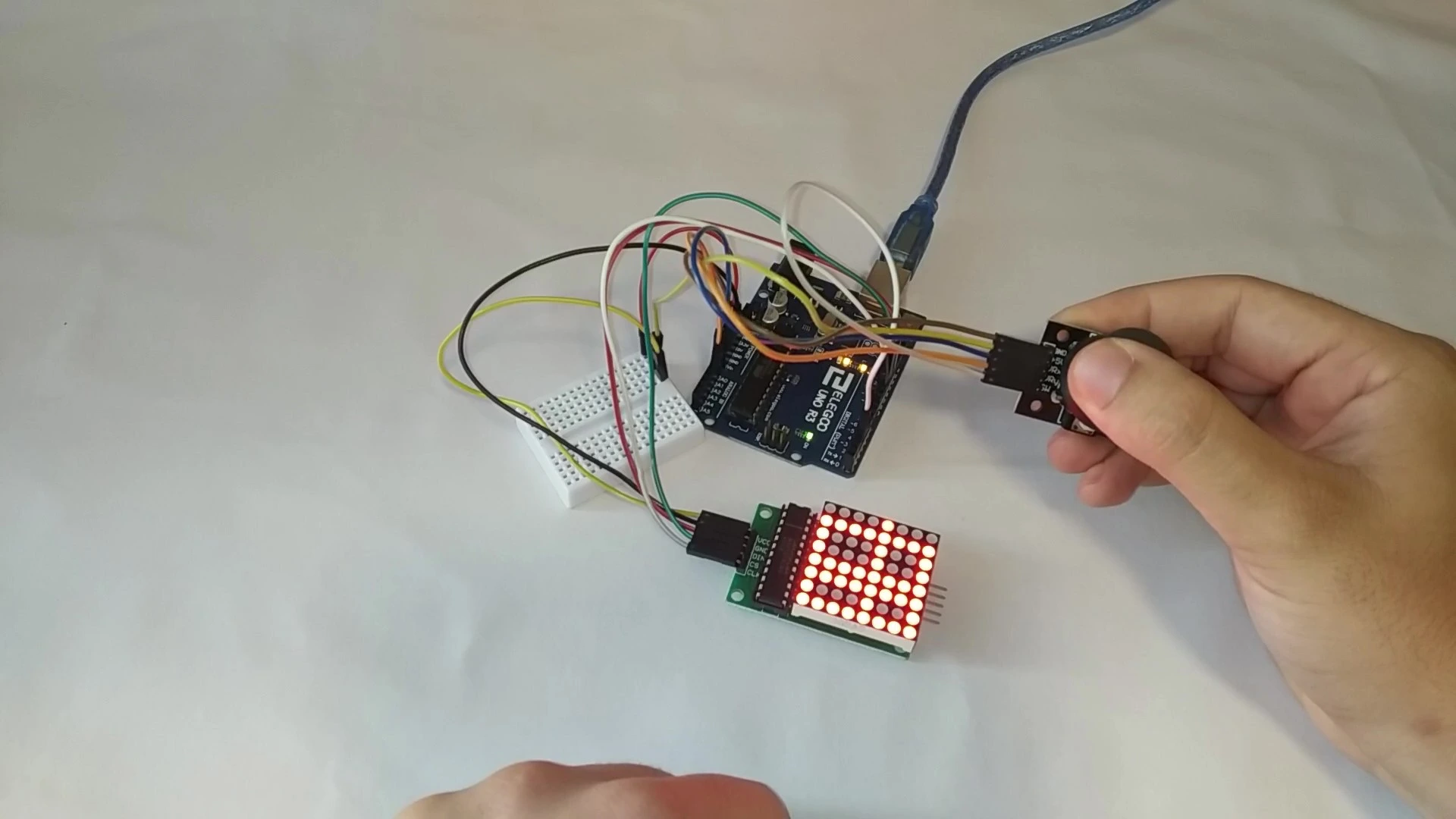
This third Arduino project lets you draw on an LED screen using a joystick like the one on a game controller.

It can be a great project to build with children and encourage curiosity and interest in electronics from an early age.

As you move the joystick, a dotted line is drawn in that direction on the 8x8 LED matrix. This lets you draw anything that fits on the display. Best of all, if you make a mistake, you can clear the drawing and start again simply by pressing the joystick down.

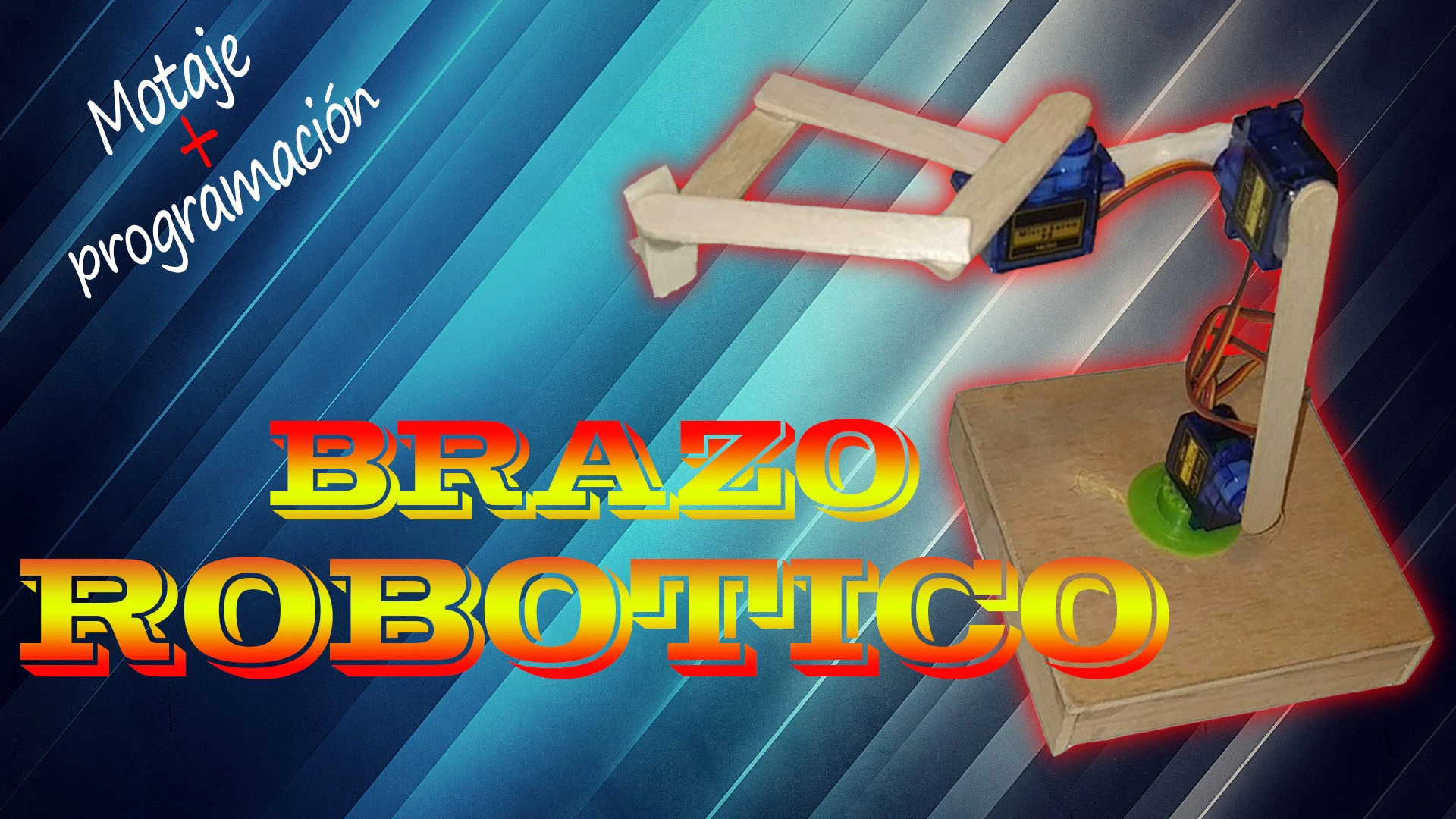
Like project number 2 on this list, this build is a robotic arm with 3 moving joints.

The difference is that this version is not controlled with buttons. Instead, it performs the movements automatically. That makes it a good project for people who are starting to program with Arduino, because the full sequence of movements is defined in code.

This Arduino-controlled robotic arm can repeat the same movement for long periods of time, so you can program it to carry out repetitive tasks.

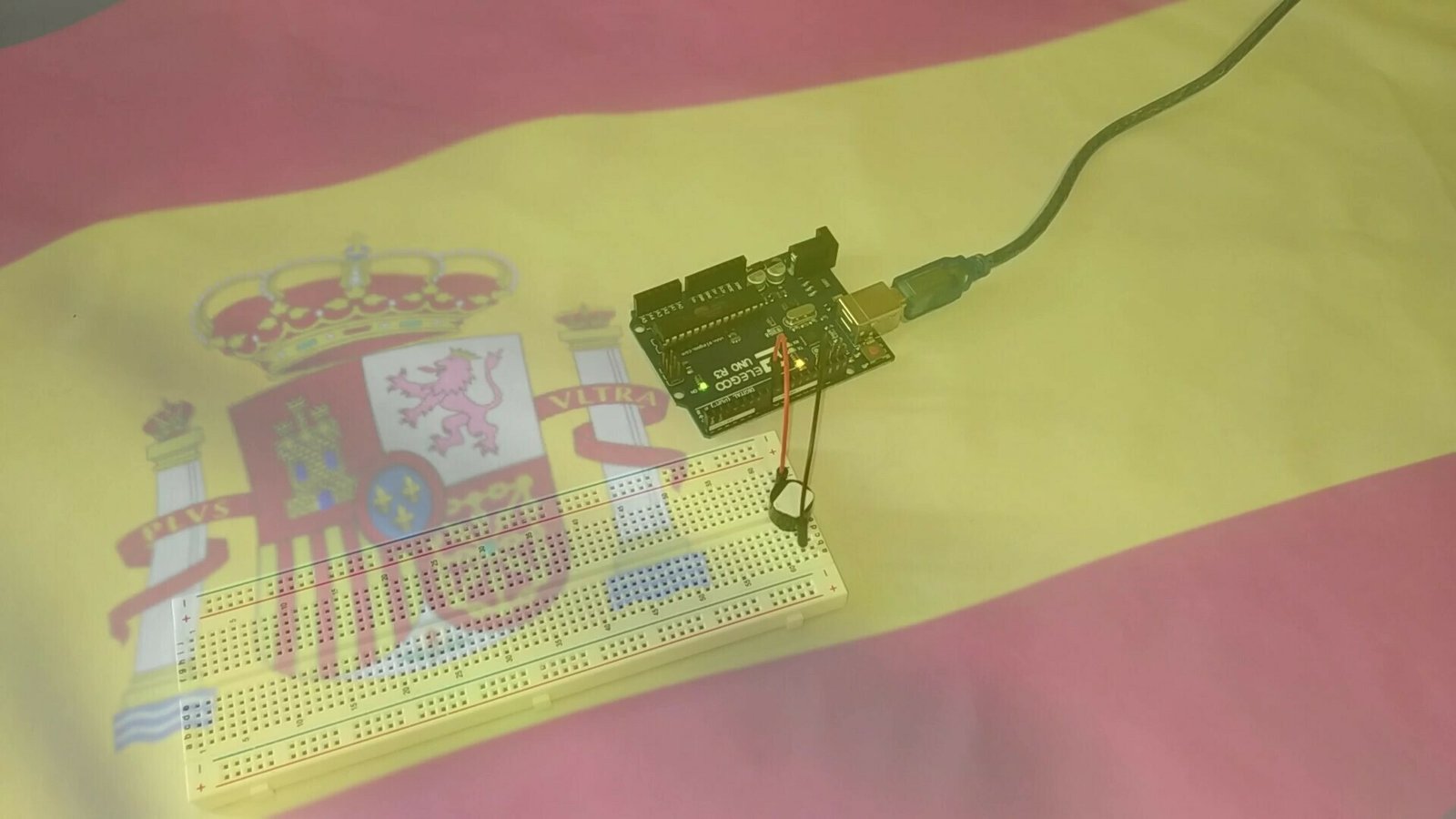
The fifth project on the list uses a passive Arduino buzzer to play the Spanish national anthem.

The interesting part of this project is that the same method used to program the anthem can be used for any song. All you need is the sheet music and a way to convert the notes into code.

Here the Spanish national anthem is used as a step-by-step example, and the final result is shown as well.

This project can also complement other builds, because it is a simple way to add sound to any Arduino project that needs it.

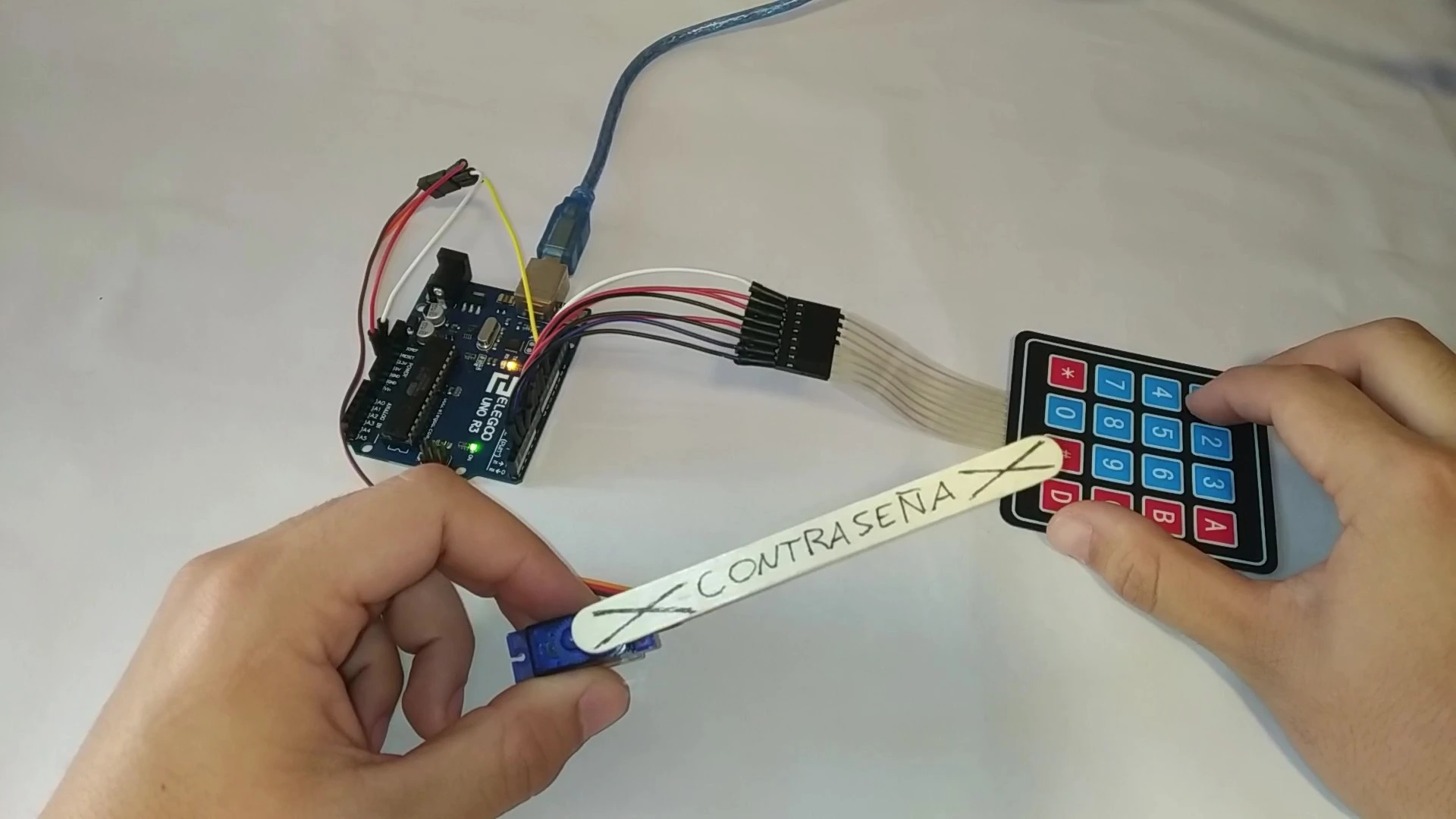
Project number 6 is another Arduino classic. It is an automatic lock that only opens when the correct code, in this case 4 digits, is entered.

The possible applications are almost endless. You can use it to lock a drawer or a door, or place it in front of a switch so that it is activated automatically when the password is correct.

That makes it a very good project for people who are starting with Arduino and want to learn how a numeric keypad works.

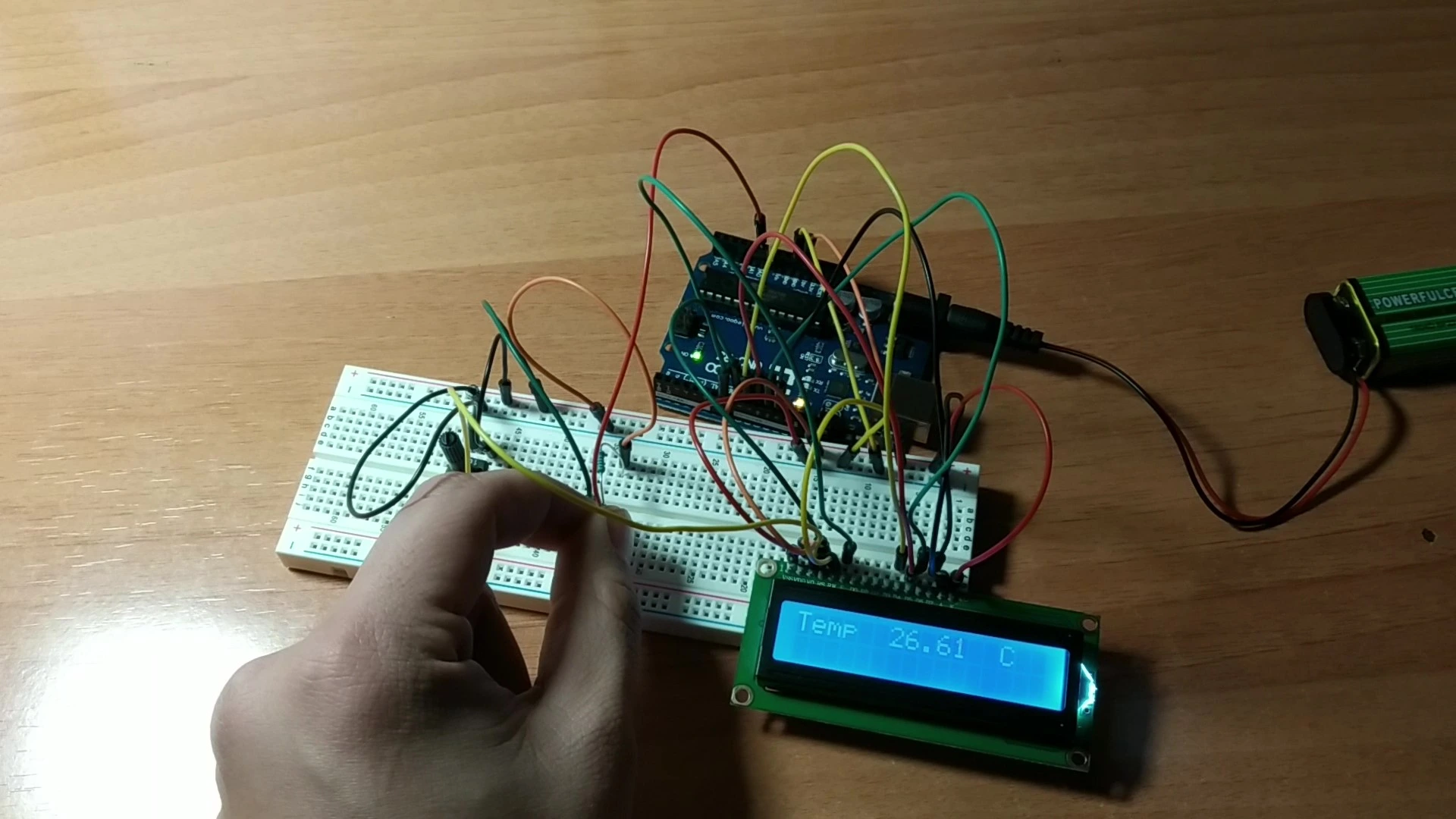
This is another Arduino classic. It shows the current ambient temperature on an LCD screen.

The challenge in this project is mainly in the programming and in understanding how LCD displays work, so it can help beginners grasp many concepts related to these devices.

Because the temperature is shown in real time, you could place this project in a kitchen or even in a fridge to monitor the temperature there.

It also combines well with other projects on this website, so by joining several builds together you could create a fairly complete weather station.

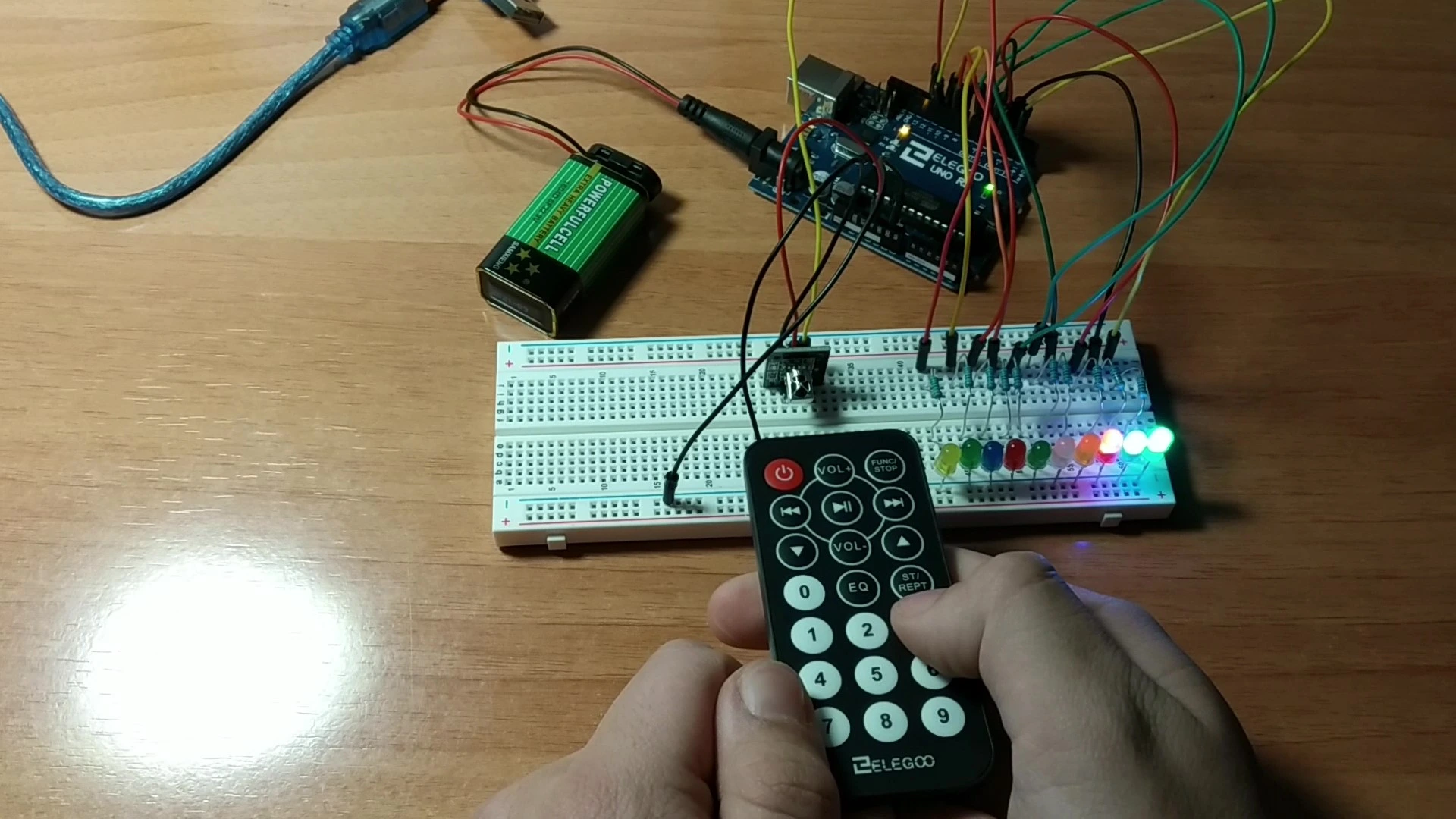
This is another original project from this website. It turns LEDs on and off with a remote control.

The project uses a total of 9 LEDs, which switch on and off depending on the button pressed on the remote control.

It is very similar to project number 1 on this list, where a 7-segment display shows the number pressed on the remote control.

Because it is such a visual build, it helps you understand both how LEDs work and how the remote control is read, so it is a very worthwhile project to try.

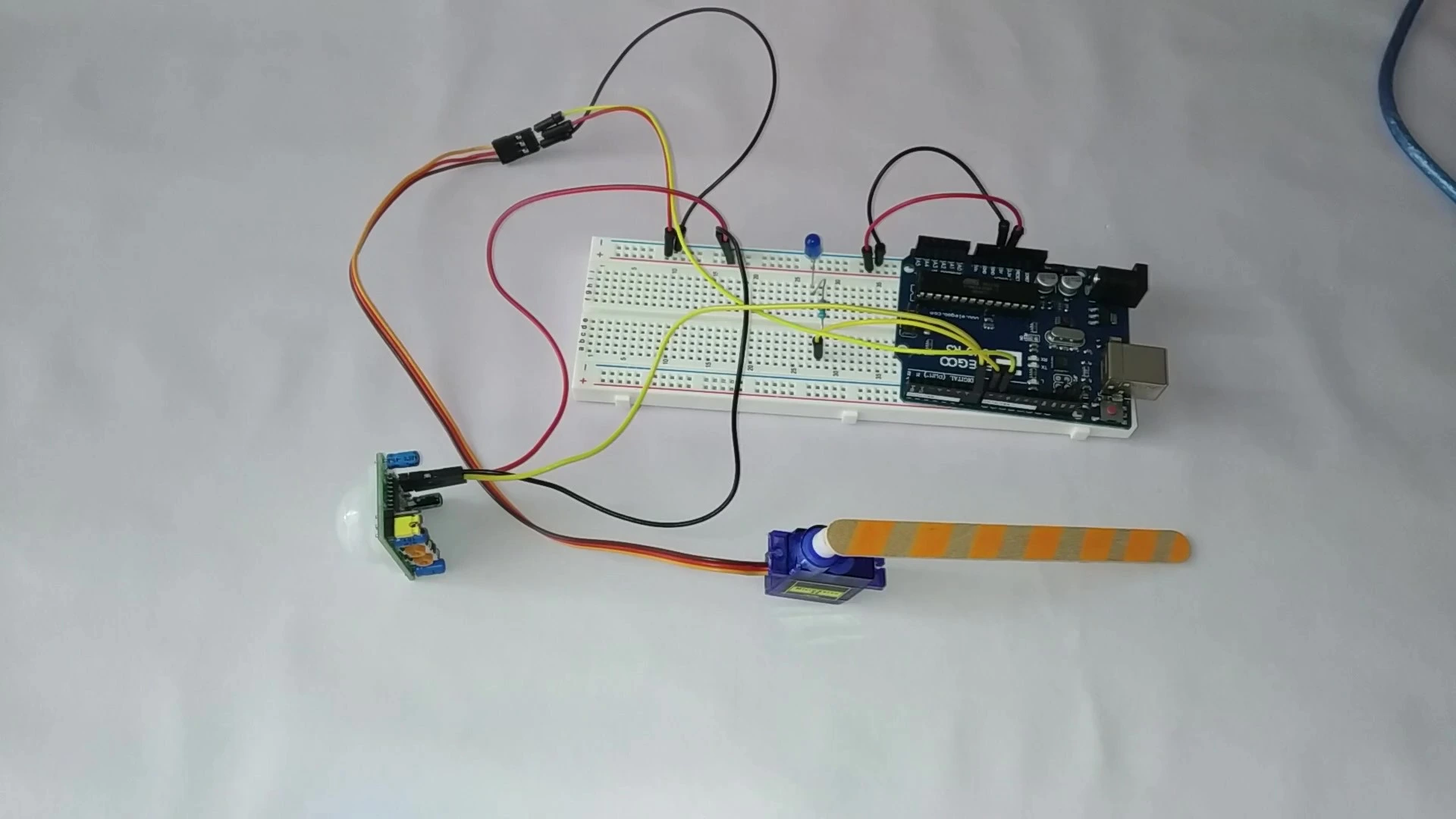
This is another Arduino classic. It activates a servomotor when a motion sensor detects movement in the scene.

It is highly recommended because it helps explain how the motion sensor works and how its adjustable potentiometers can be used.

The clearest application is a car park barrier that lifts when motion is detected. Another possible use is to switch on a light when the sensor detects movement.

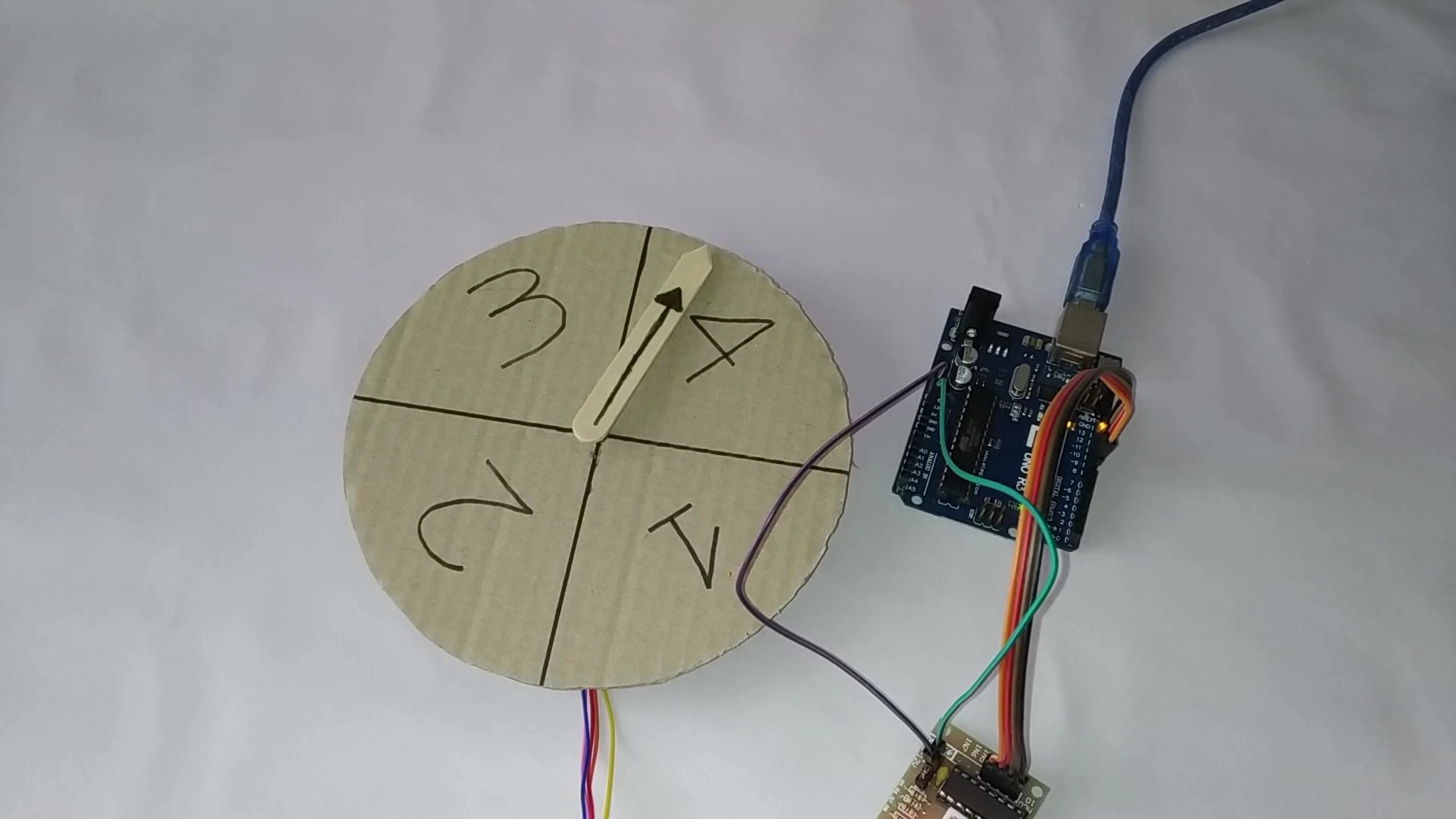
In position number 10 we have a fully random roulette made with Arduino. The project uses a stepper motor that turns clockwise in a random way and stops in a different position each time.

It can be a fun project to build with friends for a party or simply to assign tasks at random. It could even be used to decide who pays the bill at a restaurant.

This project is also a very clear way to understand how computers generate random numbers, so it is well worth looking at the code in detail.

This project is very similar to project number 3 because it also uses an 8x8 LED matrix. The difference is that here the matrix fills itself automatically following different patterns.

The main challenge is in the programming, because that is where you define the on/off patterns for the different LEDs.

You can extend this build by adding the ability to draw letters so that it can display messages. You could also connect another LED matrix after the first one to gain more display space.

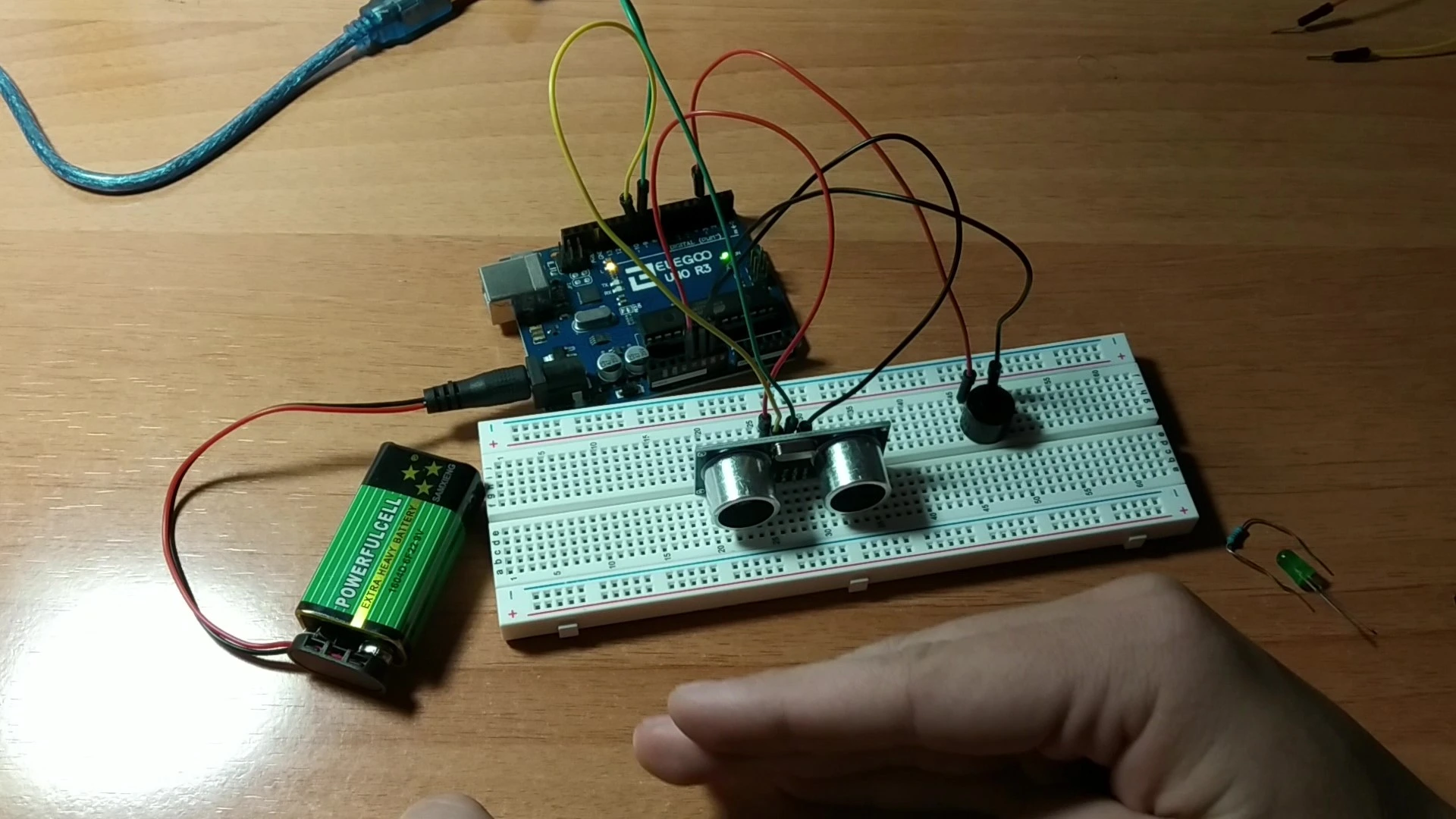
In the second-to-last position we have another Arduino classic: a parking sensor built entirely with Arduino.

The project emits a sequence of beeps through a buzzer that becomes faster as an obstacle gets closer to the ultrasonic sensor.

The main application is obvious, but there are many other possible uses as well.

You could extend the project by adding more ultrasonic sensors to cover a wider range and make parking even easier.

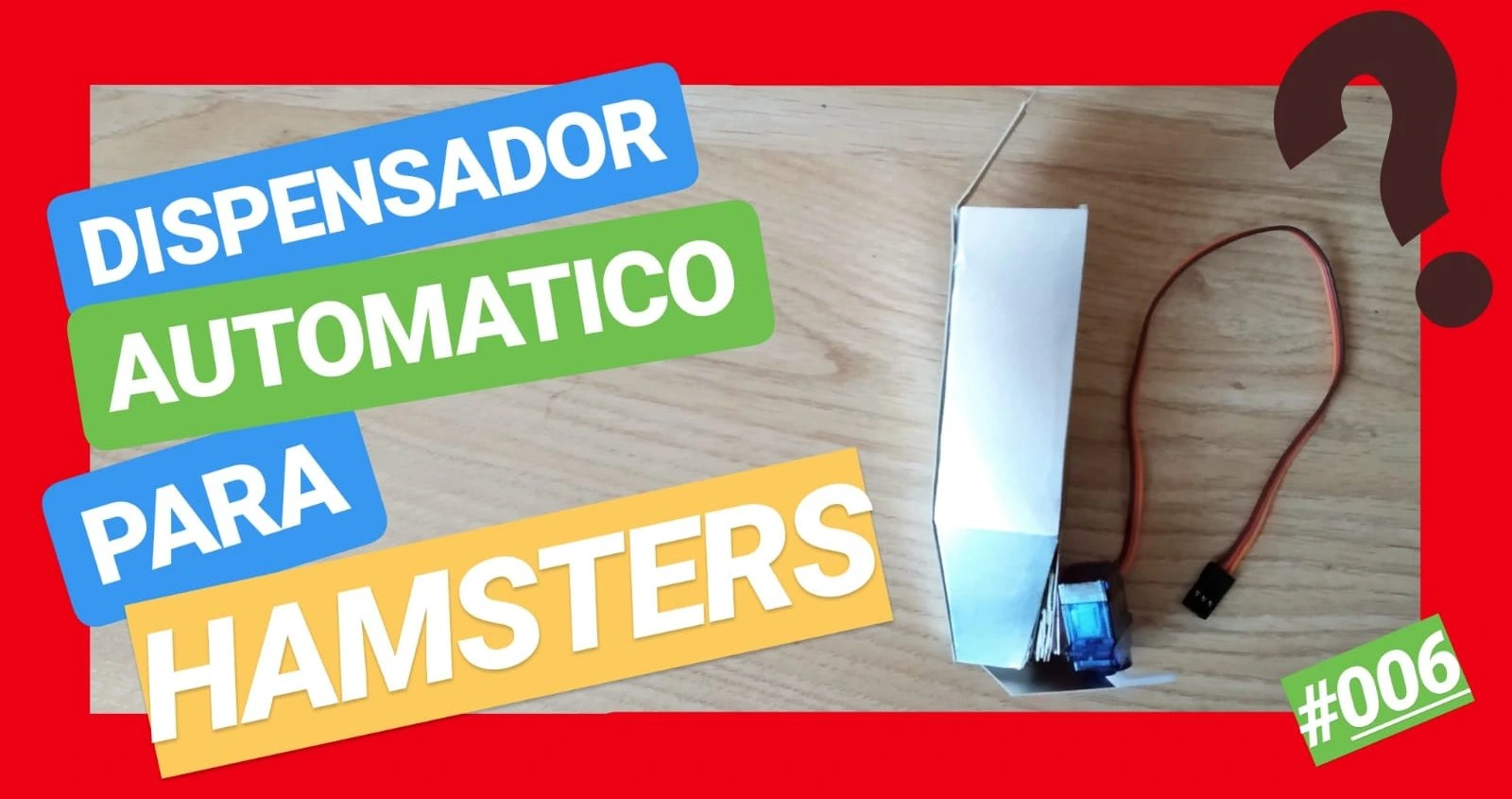
The last project on this list is an automatic food dispenser for pets.

It can be ideal if you are planning a trip and do not know who can look after your pet, because this dispenser can be a practical solution.

The project lets you control how much food falls in each cycle and how many times per day it dispenses food.

Arduino projects for beginners: where to start

If you landed here looking for easy Arduino projects, simple Arduino builds or ideas for beginner Arduino projects, this collection is designed for exactly that: helping you start from scratch with clear examples, accessible assemblies and real projects that let you learn by building.

Here you will find projects with LEDs, displays, sensors, basic automation and small interactive systems. They are a solid base for getting familiar with Arduino Uno, understanding common components and gaining confidence before moving on to more complex projects.

Once you are comfortable with these projects, you can keep exploring more Learn collections and categories to move into mini-games, robots, automation and other Arduino builds.

What kind of projects you will find here

  • Projects with LEDs and displays
  • Sensor projects
  • Basic Arduino automation
  • Small games and interactive systems
  • Simple ideas for learning with Arduino Uno

Frequently asked questions about beginner Arduino projects

What Arduino projects are best for getting started?

The best Arduino projects for beginners are usually the ones that use LEDs, displays, simple sensors and basic automation. They help you understand how the assembly works without jumping into complex developments too early.

What can you build with Arduino as a beginner?

As a beginner, you can build projects with LEDs, displays, sensors, small games, automatic barriers, roulette builds, temperature systems and basic automation assemblies.

Are these projects suitable for learning from scratch?

Yes. This collection is designed for beginners and brings together easy Arduino projects that help you learn step by step from a very practical starting point.

Are there easy Arduino projects for class or for practicing at home?

Yes. Many of these projects work well for practice at home, personal learning or even school Arduino project ideas, depending on the level and the parts available.

NEXT STEP

Do you have an electronic idea or project?

If you want to move from an Arduino project to a more serious development, RobotUNO can help with electronic design, firmware, prototyping and industrialization.