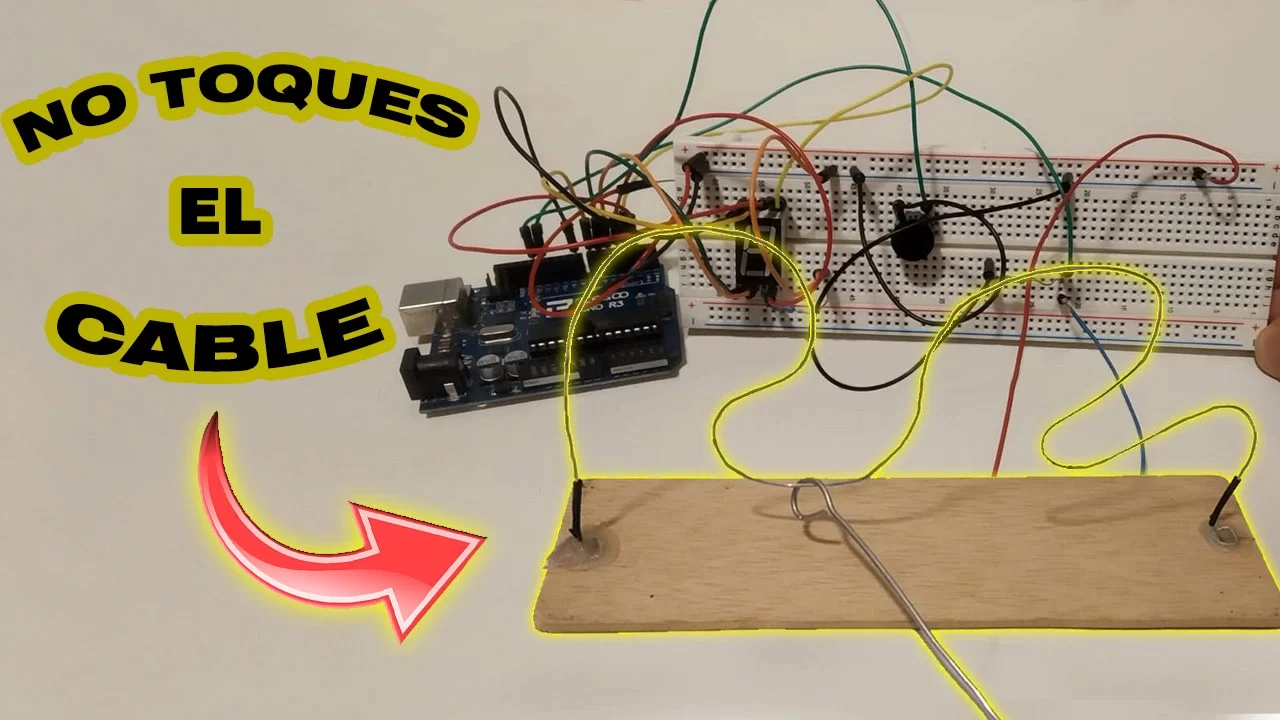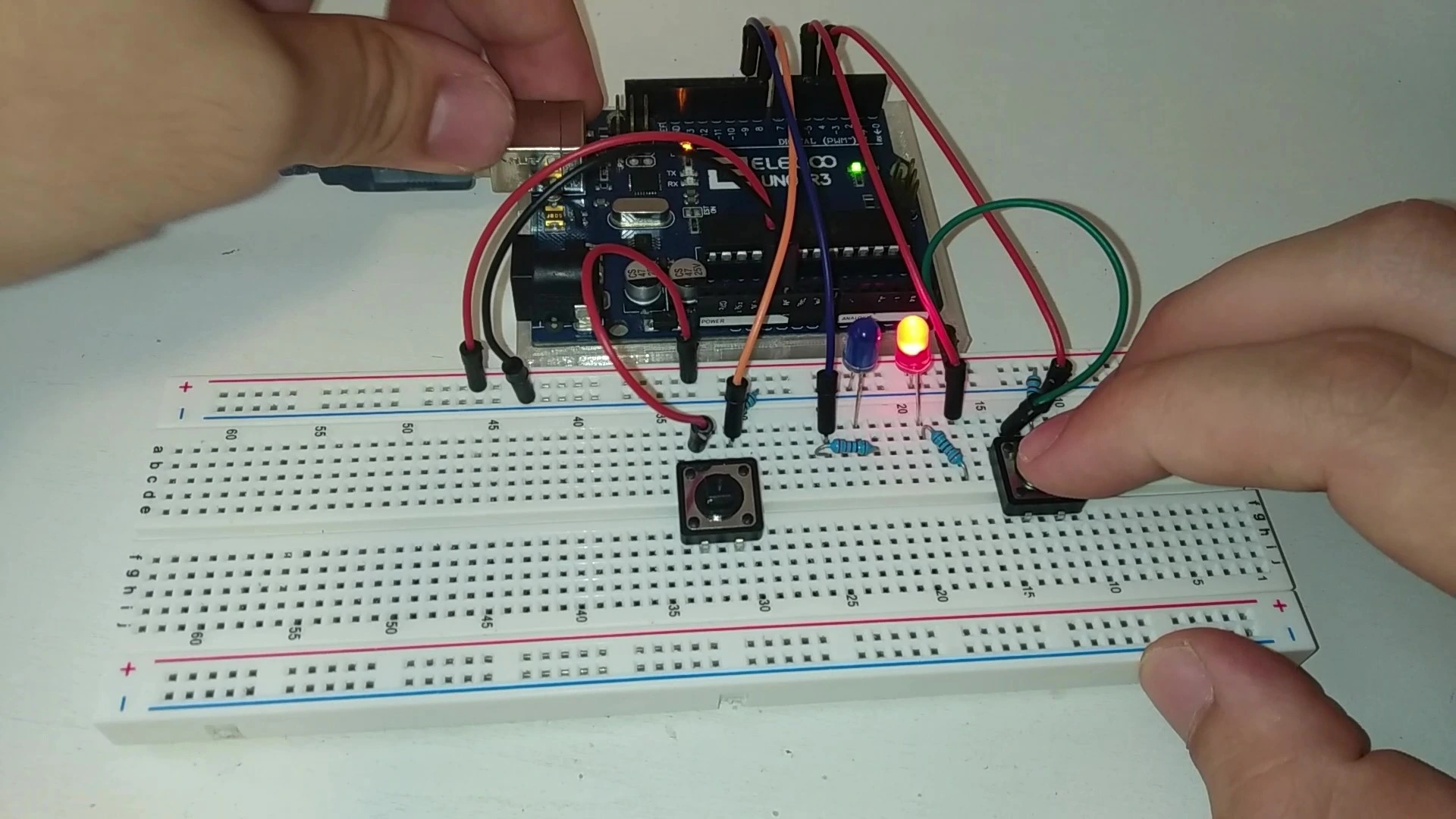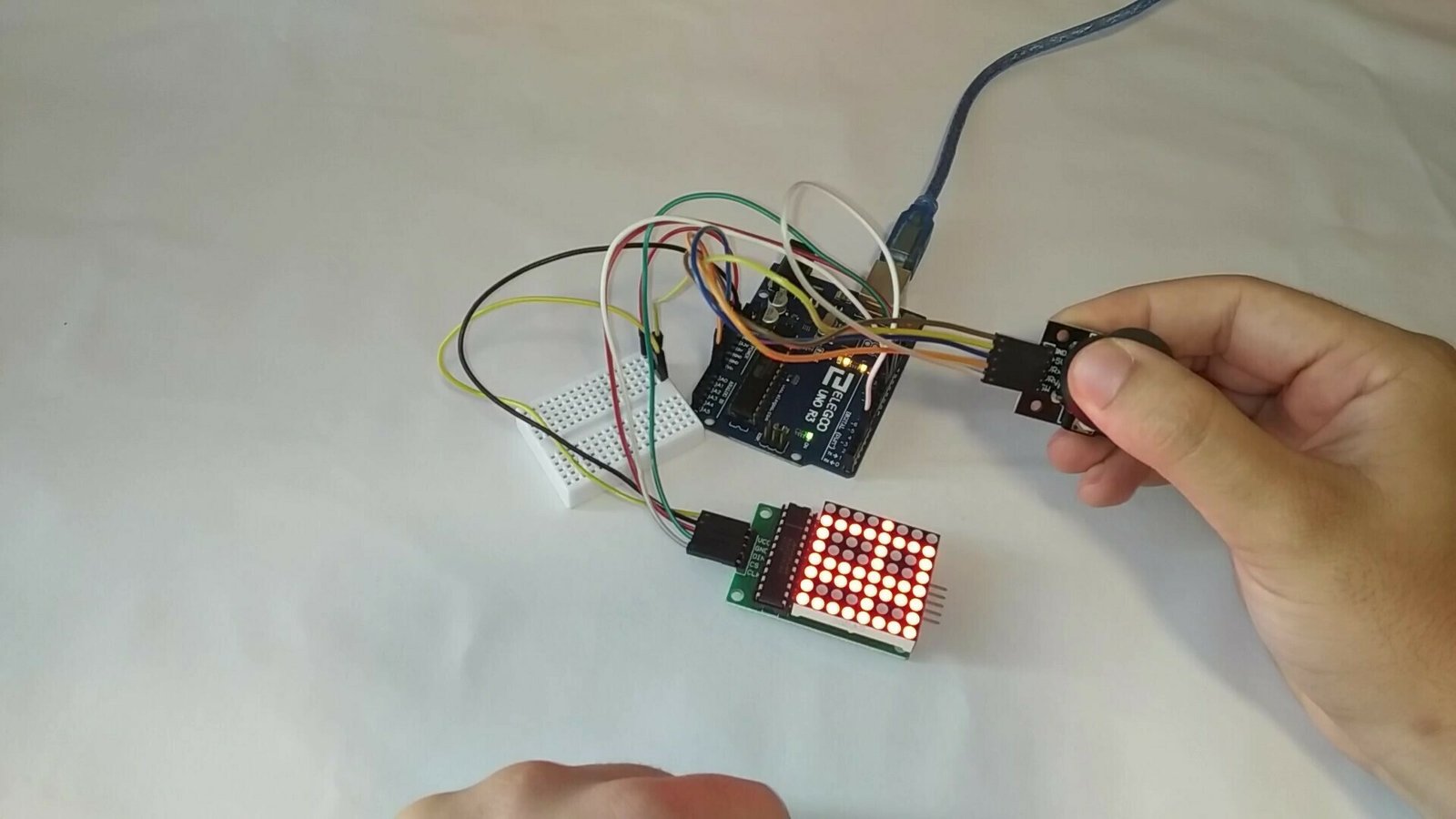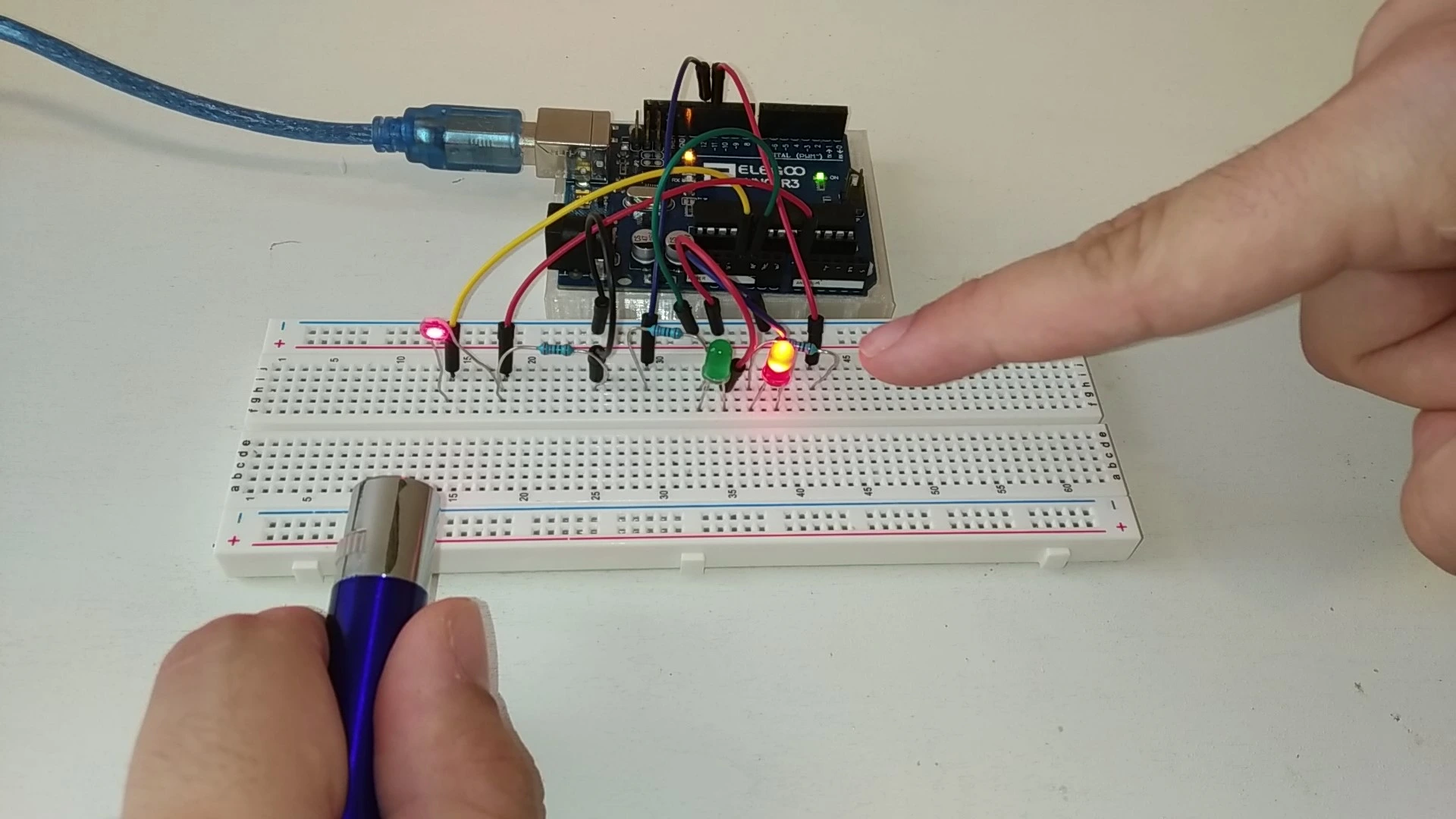
Do you have good aim? It does not matter, because this Arduino project will help you improve it. This mini game is about building a target that detects a laser so you can practice your aim and your pulse control.
This project includes different game modes that help you improve your accuracy.
If you want to learn how to build this project in a simple and quick way, stay on this page.
Table of contents
Explanation and gameplay of the mini game
The objective of this project is simple: we need to make the laser hit the photoresistor, which in this case acts as our target. Every time the laser hits the photoresistor, the counter increases by one. Once you hit it 5 times, which you can change in the code, the round ends.
Another game mode is trying to keep the laser light on the photoresistor for as long as possible. Every 0.5 seconds the red LED turns on, and once it lights up 5 times, the game ends.
As mentioned before, all these values can be changed very easily in the code. By default the value is 5, but you can set any value you want.
This is a very interesting Arduino project because it helps you understand how photoresistors work and how counters are used in code. It is definitely a recommended mini game.
Materials used in the project
The materials used in this project are very simple and should be easy to find. To make things easier, here is a list of all the components.
If you have any questions about the materials used in this project, feel free to leave a comment and we will reply as soon as possible.



As an Amazon Associate, RobotUNO earns from qualifying purchases.
WE DEVELOP YOUR IDEA
Need help with a project?

- Prototyping and MVPs
- Arduino and ESP32
- PCB design
- 3D part design
- Bluetooth connectivity
- Feasibility study
- Cost optimization
- Technical consulting
- Internet of Things
- Patent support
Step-by-step project video
If you want a more detailed walkthrough of how to build this project from start to finish, including a code explanation, the video below covers everything in a more visual and easier-to-follow way. And if you enjoy this kind of content, do not forget to subscribe.
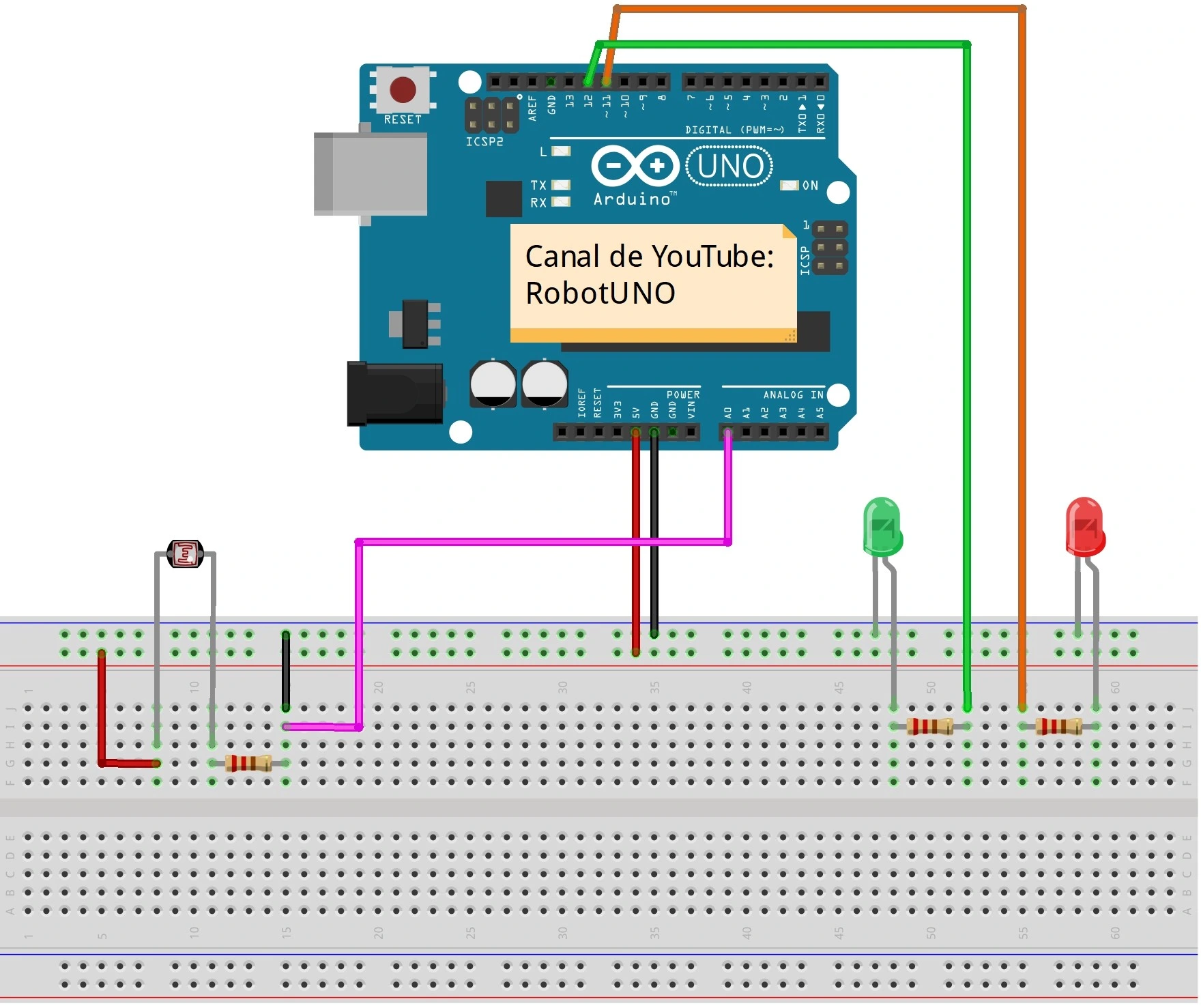
Arduino wiring diagram for this project
To make the assembly easier, here is the wiring diagram. All the connections shown here match the code placed just below, so make sure your wiring is exactly as shown in the image.
Arduino code for the mini game
Below you can find the Arduino code developed specifically for this project. The pins used in the code are the same ones shown in the wiring diagram above.
If you want a more detailed explanation of the different parts of the code and how the project works, we recommend watching the video above.
Using this code is very simple. You just need to copy it and paste it into your Arduino compiler, for example the Arduino IDE. If you do not have it installed yet, here is our guide on how to install it for free.
If you have any questions, leave a comment on this page and we will reply as soon as possible.
//Canal de YouTube -> RobotUNO
//Entrenamiento punteria con un laser

#define led_rojo 11
#define led_verde 12
int sensor=0, contador=0;

int valor = 0;
void setup() {
  Serial.begin(9600);

  pinMode(led_rojo,OUTP
  UT);
  pinMode(led_verde,OUTPUT);
  pinMode(sensor,INPUT);
}
void loop() {
  sensor = analogRead(A0);
  Serial.print(sensor);
  Serial.print("\n");

  if(sensor>500){ //CALIBRAR EL SENSOR
    digitalWrite(led_rojo,HIGH);
    delay(500);
    digitalWrite(led_rojo,LOW);
    contador++;
  }

  if(contador==5){
    digitalWrite(led_verde,HIGH);
  }

  delay(100);
}