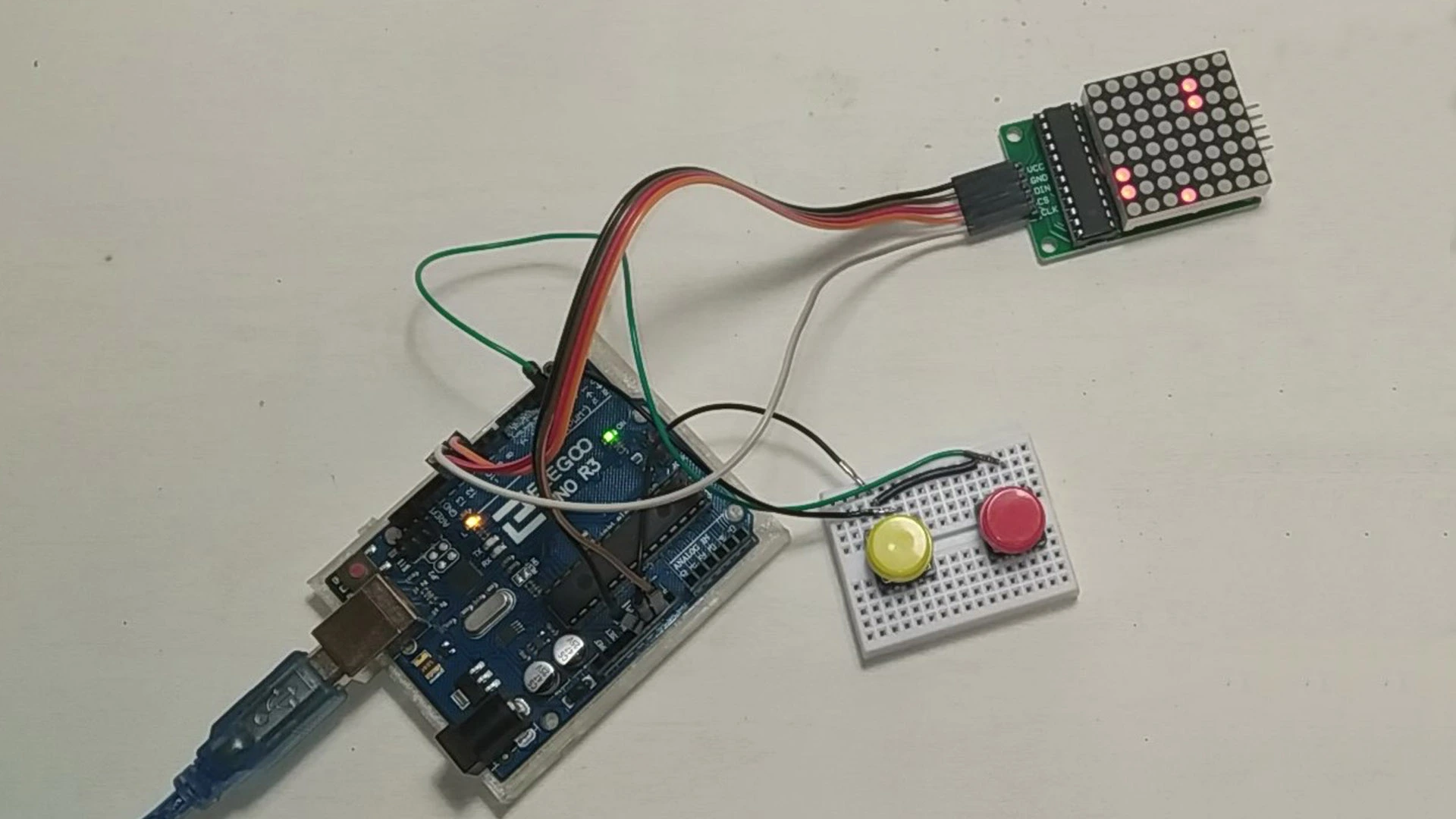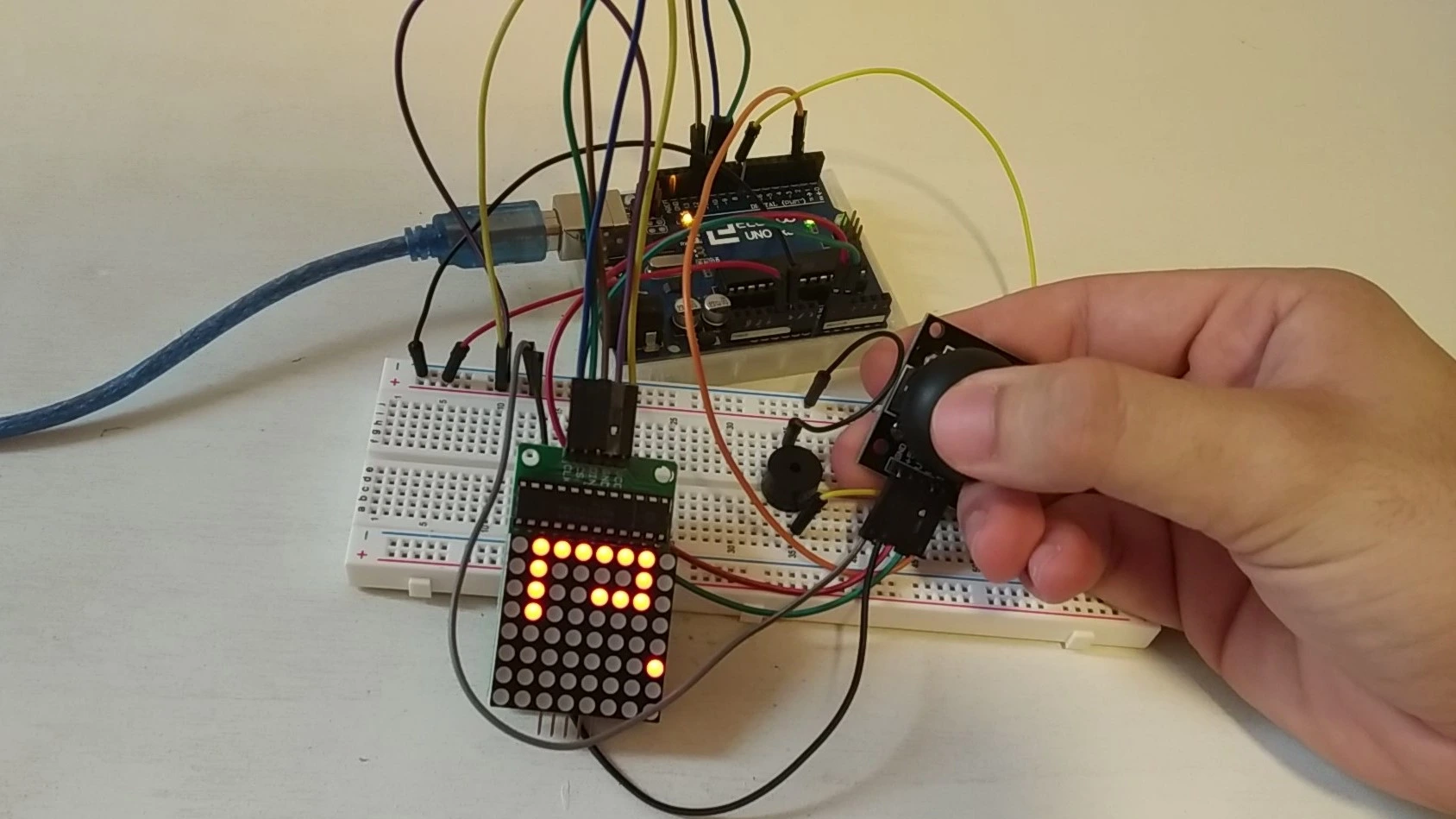
At last we have the full tutorial for one of the most famous mini games in the world: the classic snake game, where the snake grows longer as it eats apples. This game is also widely known by its English name, Snake Game.
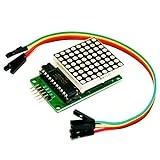
But that is not all. This version of the game is built using only an 8x8 LED matrix module, the typical one included in many basic Arduino starter kits.
If you want to learn how to build this project in a simple and quick way, stay on this page.
Table of contents
Explanation of the gameplay and objectives
This time the mini game is so famous that it hardly needs an explanation, but let us go over it anyway just in case someone is not familiar with it.
The gameplay is very simple. A snake grows longer as it eats apples. The goal is to become bigger and bigger until there is no more room left on the screen, which is when the game officially ends. The tricky part is that if you crash into your own body, you lose and have to start over from zero.
It may sound easy, but I challenge you to try it. The bigger the snake gets, the easier it is to trap yourself with no way out and crash into your own body.
Ready? Let's get started.
Materials needed for the project
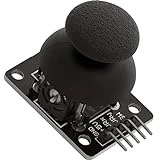
The materials used in this project are very simple and should be easy to find. To make things easier, here is a list of all the components.
Below you can find a list of purchase links:
As an Amazon Associate, RobotUNO earns from qualifying purchases.
WE DEVELOP YOUR IDEA
Need help with a project?

- Prototyping and MVPs
- Arduino and ESP32
- PCB design
- 3D part design
- Bluetooth connectivity
- Feasibility study
- Cost optimization
- Technical consulting
- Internet of Things
- Patent support
Step-by-step project video
If you want a more detailed walkthrough of how to build this project from start to finish, including a code explanation, the video below covers everything in a more visual and easier-to-follow way. And if you enjoy this kind of content, do not forget to subscribe.
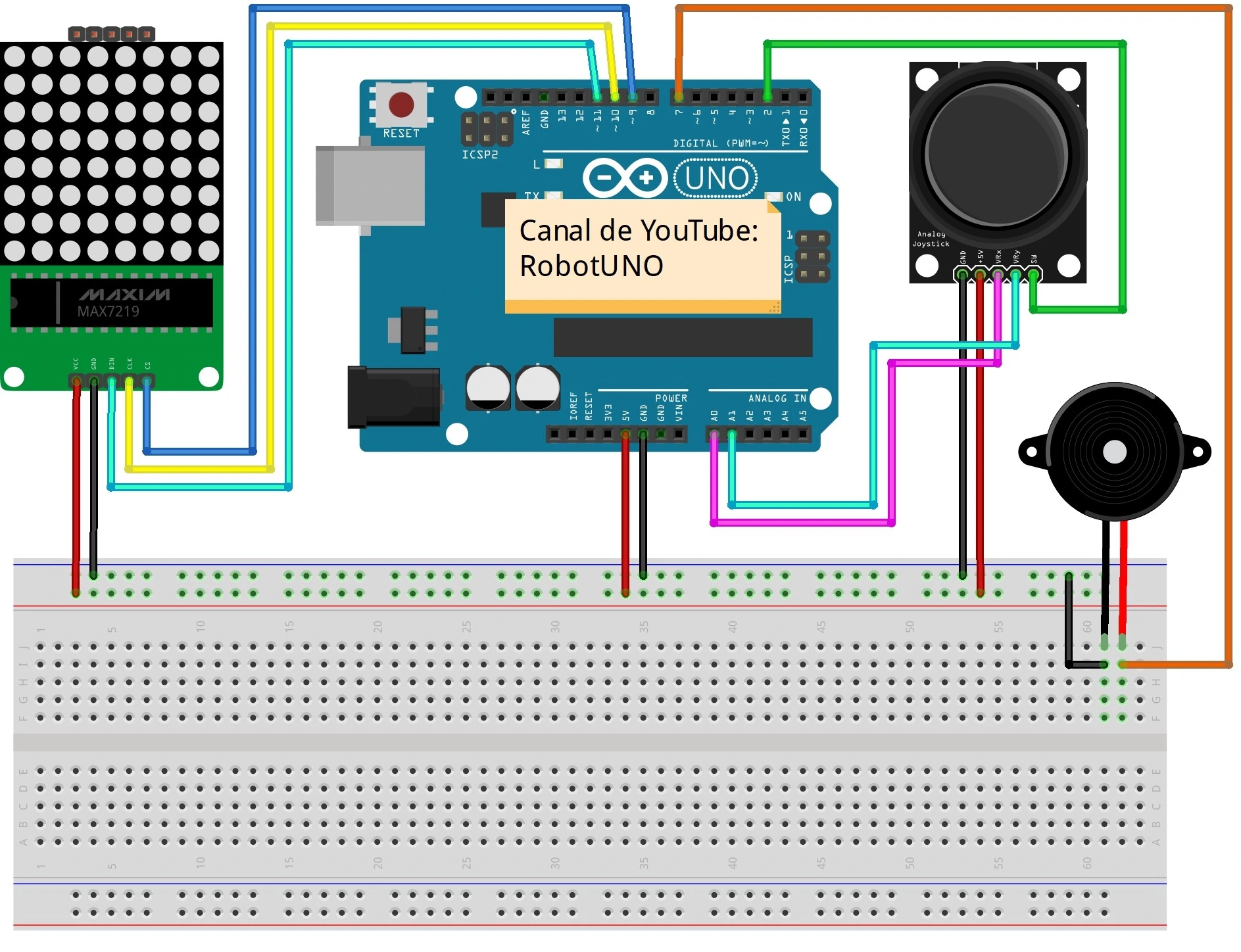
Arduino wiring diagram for the Snake mini game
To make the assembly easier, here is the wiring diagram. All the connections shown here match the code placed just below, so make sure your wiring is exactly as shown in the image.
Arduino code for the Snake game
Below you can find the Arduino code developed specifically for this project. The pins used in the code are the same ones shown in the wiring diagram above.
If you want a more detailed explanation of the different parts of the code and how the project works, we recommend watching the video above. Using this code is very simple: copy it and paste it into your Arduino compiler, for example the Arduino IDE. If you do not have it installed yet, here is our guide on how to install it for free. If you have any questions, leave a comment on this page and we will reply as soon as possible.
//Canal de YouTube -> RobotUNO
//Juego snake en pantalla led 8x8
#include "LedControl.h"
//pins
const int SW_pin = 2;
const int X_pin = 0;
const int Y_pin = 1;
const int DIN = 12;
const int CS = 11;
const int CLK = 10;
const int BUZZER = 8;
//variables
const int screenWidth = 8;
const int screenHeight = 8;
int snakeX, snakeY, foodX, foodY, score = 0, snakeSize = 1;
char direction;
int tailX[100], tailY[100];
bool isGameOver = false;
LedControl lc = LedControl(DIN, CS, CLK, 1);
void setup() {
  setupPins();
  setupLedBoard();
  setupSnakePosition();
  setupFoodPosition();
}
void setupSnakePosition() {
  snakeX = 4;
  snakeY = 4;
}
void setupFoodPosition() {
  foodX = rand() % screenWidth;
  foodY = rand() % screenHeight;
}
void setupLedBoard() {
  lc.shutdown(0, false);
  lc.setIntensity(0, 1);
  lc.clearDisplay(0);
}
void setupPins() {
  pinMode(SW_pin, INPUT);
  digitalWrite(SW_pin, HIGH);
}
void loop() {
  if (isGameOver) {
    playGameOverSong();
    showGameOverScreen();
  } else {
    startGame();
  }
}
void playGameOverSong() {
  tone(BUZZER, 1000, 1000);
  delay(100);
  tone(BUZZER, 2000, 1000);
  delay(100);
  tone(BUZZER, 3000, 1000);
  delay(100);
  tone(BUZZER, 4000, 1000);
  delay(100);
  tone(BUZZER, 5000, 2000);
}
void playFoodEatenSong() {
  tone(BUZZER, 500, 100);
}
void startGame() {
  manageGameOver();
  setJoystickDirection();
  changeSnakeDirection();
  manageSnakeOutOfBounds();
  manageEatenFood();
  manageSnakeTailCoordinates();
  drawSnake();
  delay(300);
}
void manageGameOver() {
  for (int i = 1; i < snakeSize; i++) {
    if (tailX[i] == snakeX && tailY[i] == snakeY) {
      isGameOver = true;
    }
  }
}
void manageSnakeOutOfBounds() {
  if (snakeX >= screenWidth) {
    snakeX = 0;
  } else if (snakeX < 0) {
    snakeX = screenWidth - 1;
  }
  if (snakeY >= screenHeight) {
    snakeY = 0;
  } else if (snakeY < 0) {
    snakeY = screenHeight - 1;
  }
}
void manageSnakeTailCoordinates() {
  int previousX, previousY, prevX, prevY;
  previousX = tailX[0];
  previousY = tailY[0];
  tailX[0] = snakeX;
  tailY[0] = snakeY;

  for (int i = 1; i < snakeSize; i++) {
    prevX = tailX[i];
    prevY = tailY[i];
    tailX[i] = previousX;
    tailY[i] = previousY;
    previousX = prevX;
    previousY = prevY;
  }
}
void manageEatenFood() {
  if (snakeX == foodX && snakeY == foodY) {
    playFoodEatenSong();
    score++;
    snakeSize++;
    setupFoodPosition();
  }
}
void setJoystickDirection() {
  if (analogRead(X_pin) > 1000) {
    direction = 'u';
  } else if (analogRead(X_pin) < 100) {
    direction = 'd';
  } else if (analogRead(Y_pin) > 1000) {
    direction = 'l';
  } else if (analogRead(Y_pin) < 100) {
    direction = 'r';
  }
}
void changeSnakeDirection() {
  switch (direction) {
    case 'l':
      snakeX--;
      break;
    case 'r':
      snakeX++;
      break;
    case 'u':
      snakeY--;
      break;
    case 'd':
      snakeY++;
      break;
  }
}
void showGameOverScreen() {
  for (int i = 0; i < screenHeight; i++) {
    for (int j = 0; j < screenWidth; j++) {
      showLed(j, i);
      delay(50);
    }
  }
  resetVariables();
}
void resetVariables() {
  setupSnakePosition();
  setupFoodPosition();
  direction = ' ';
  isGameOver = false;
  score = 0;
  snakeSize = 1;
}
void showLed(int row, int column) {
  lc.setLed(0, row, column, true);
}
void hideLed(int row, int column) {
  lc.setLed(0, row, column, false);
}
void drawSnake() {
  for (int i = 0; i < screenHeight; i++) {
    for (int j = 0; j < screenWidth; j++) {
      if (i == snakeY && j == snakeX) {
        showLed(snakeX, snakeY);
      } else if (i == foodY && j == foodX) {
        showLed(foodX, foodY);
      } else {
        bool isShown = false;
        for (int k = 0; k < snakeSize; k++) {
          if (tailX[k] == j && tailY[k] == i) {
            showLed(j, i);
            isShown = true;
          }
        }
        if (!isShown) {
          hideLed(j, i);
        }
      }
    }
  }
}